
Velo Client 0.8.6: The Redstone Update
A full redstone editor in the game - holograms, wiring, stacking, a timeline and community schematics - plus Clips, Parties, Fly Speed, Phantom, server overlays and a much lighter launcher.
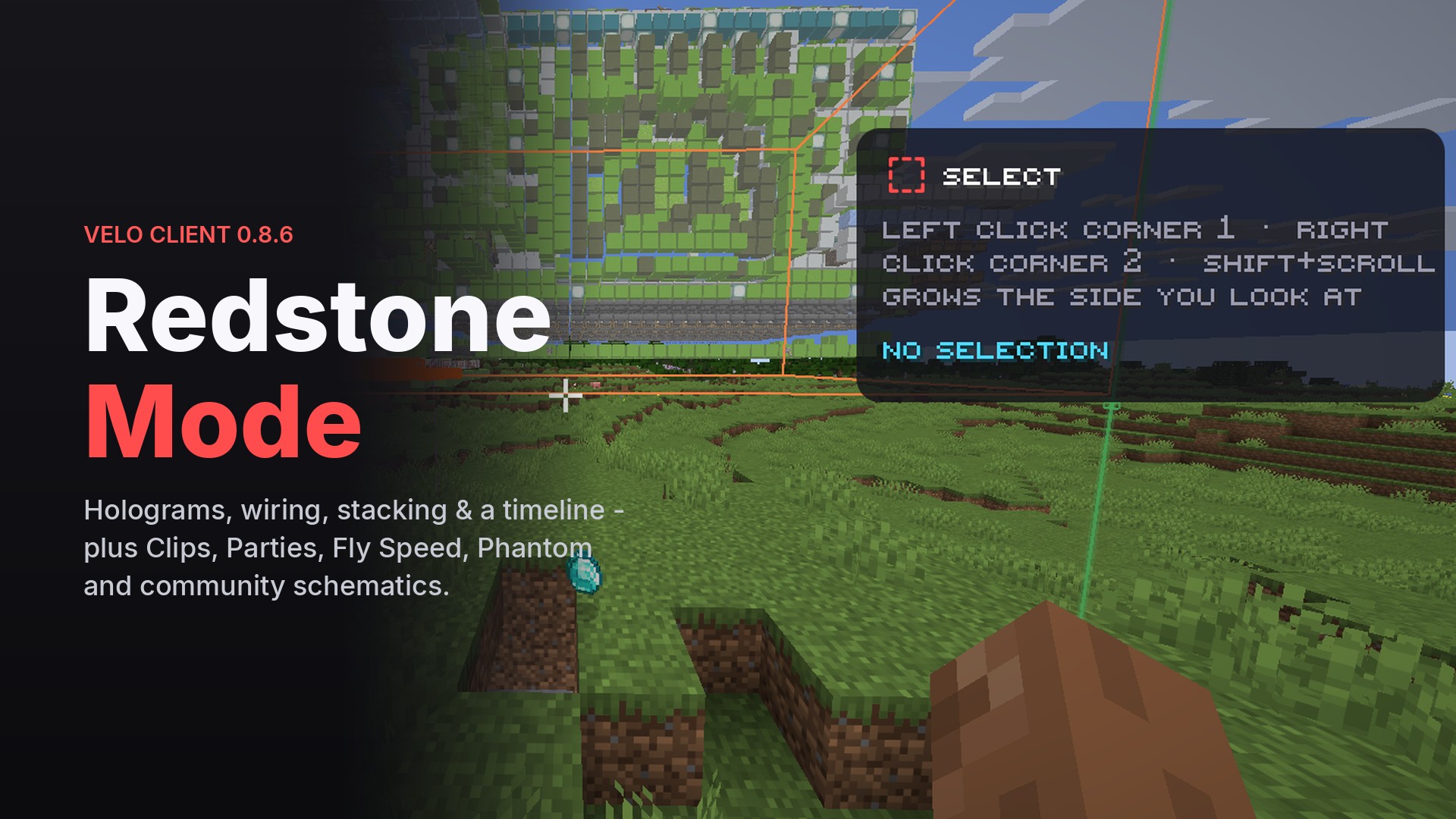
0.8.6 is our biggest update yet. The headline is Redstone Mode - a complete redstone editor built right into the game - but there's a lot more: instant replay Clips, Parties that launch together, Fly Speed and Phantom for builders, overlays for 20 popular servers and a launcher that uses a fraction of the memory. And there's a brand new wings collection - it gets its own post.
Redstone Mode
Press R and the game turns into a redstone editor: a toolbar on top, your tool's settings on the side, and everything you need to build, copy and debug contraptions. Press R again and you're back to normal - nothing changes until you use a tool.
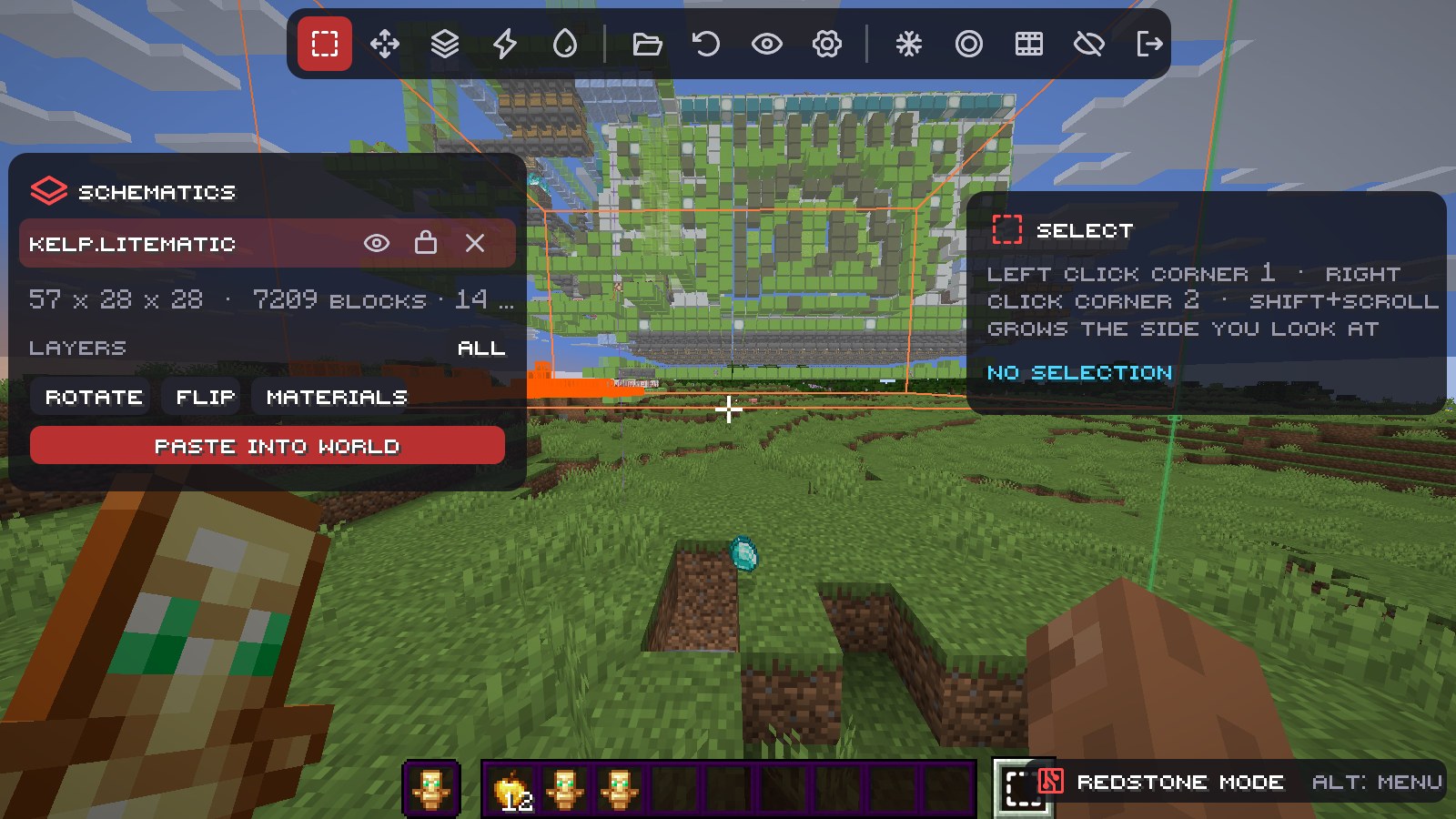
- The tool slot - your redstone tools live in an extra slot right of the hotbar. Press 0 or scroll past the hotbar to grab them; every other slot builds normally. (Axiom pauses while Redstone Mode is on, so the two never fight.)
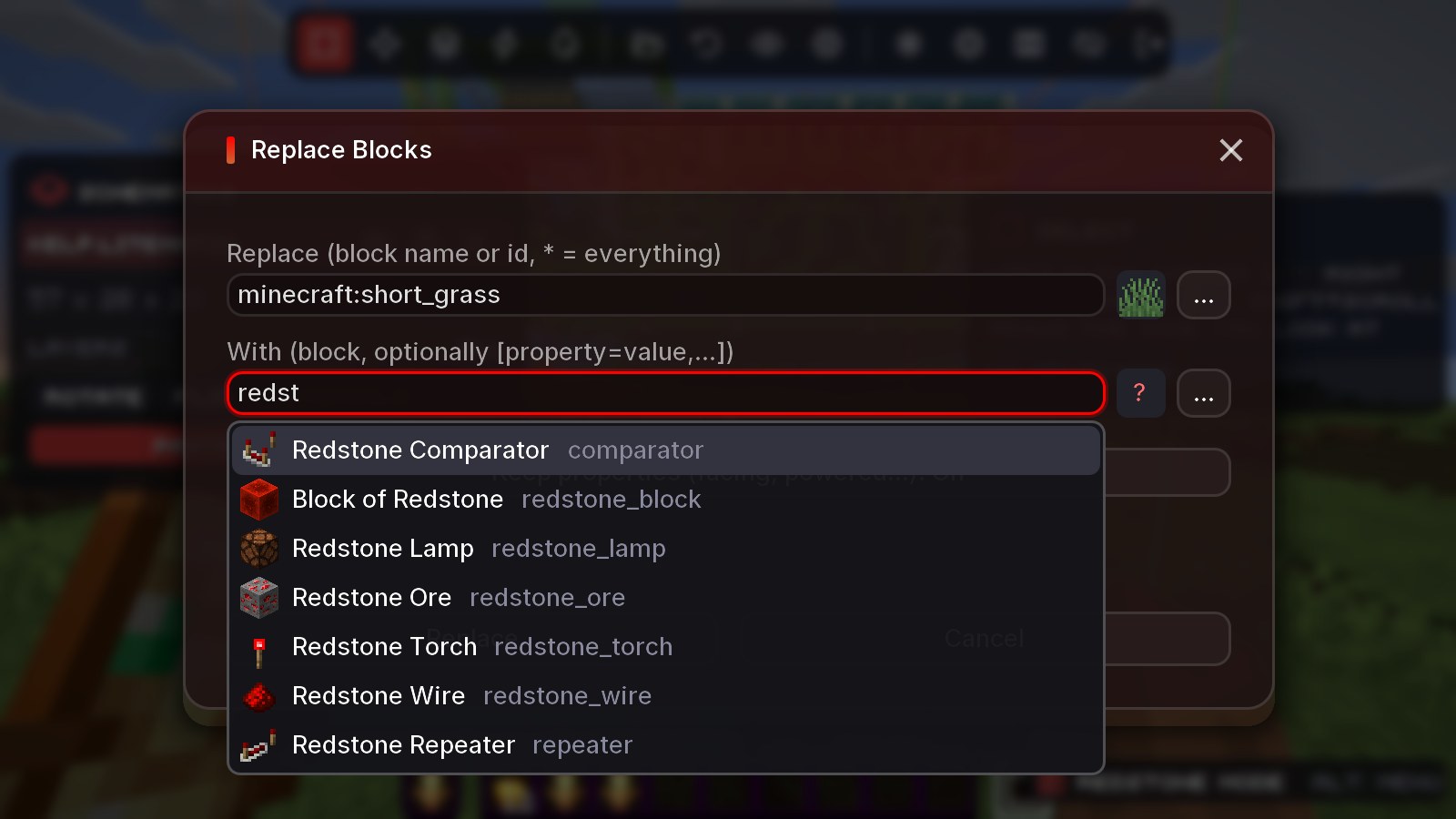
- Select, copy, cut, paste, move, stack - with rotate and flip. Stack now works along X, Y and Z at once, and one stack is one Ctrl+Z.
- Clocks keep running - copies remember every scheduled tick with its exact timing, so pasted clocks, observer chains and water keep going exactly where they were. Litematica files keep their ticks too.
- Wiring - click a start and an end and get a route: redstone dust with repeaters, observer lines, or water streams with ice, walls, signs, bubble elevators and drops. The cell you're about to click is highlighted, and glass or other blocks at the ends no longer get in the way.
- Timeline - record an area tick by tick and replay it frozen, step by step.
- Analysis - dust range warnings, signal numbers and clock speeds right in the world.
Schematics, Litematica-style
Load a .veloschem or .litematic and it follows your crosshair; click to lock it in place. Locked schematics show the real blocks as holograms - slightly smaller, glowing and shimmering so you never mistake them for real ones. Like Litematica, wrong blocks are red, the right block in the wrong state (facing, waterlogged...) is yellow and blocks that shouldn't be there are pink. Build layer by layer with Single layer or Range - and the new Feet button jumps to the layer you're standing on.
New modules for builders
- Fly Speed - fly up to 10x faster in creative, spectator and singleplayer.
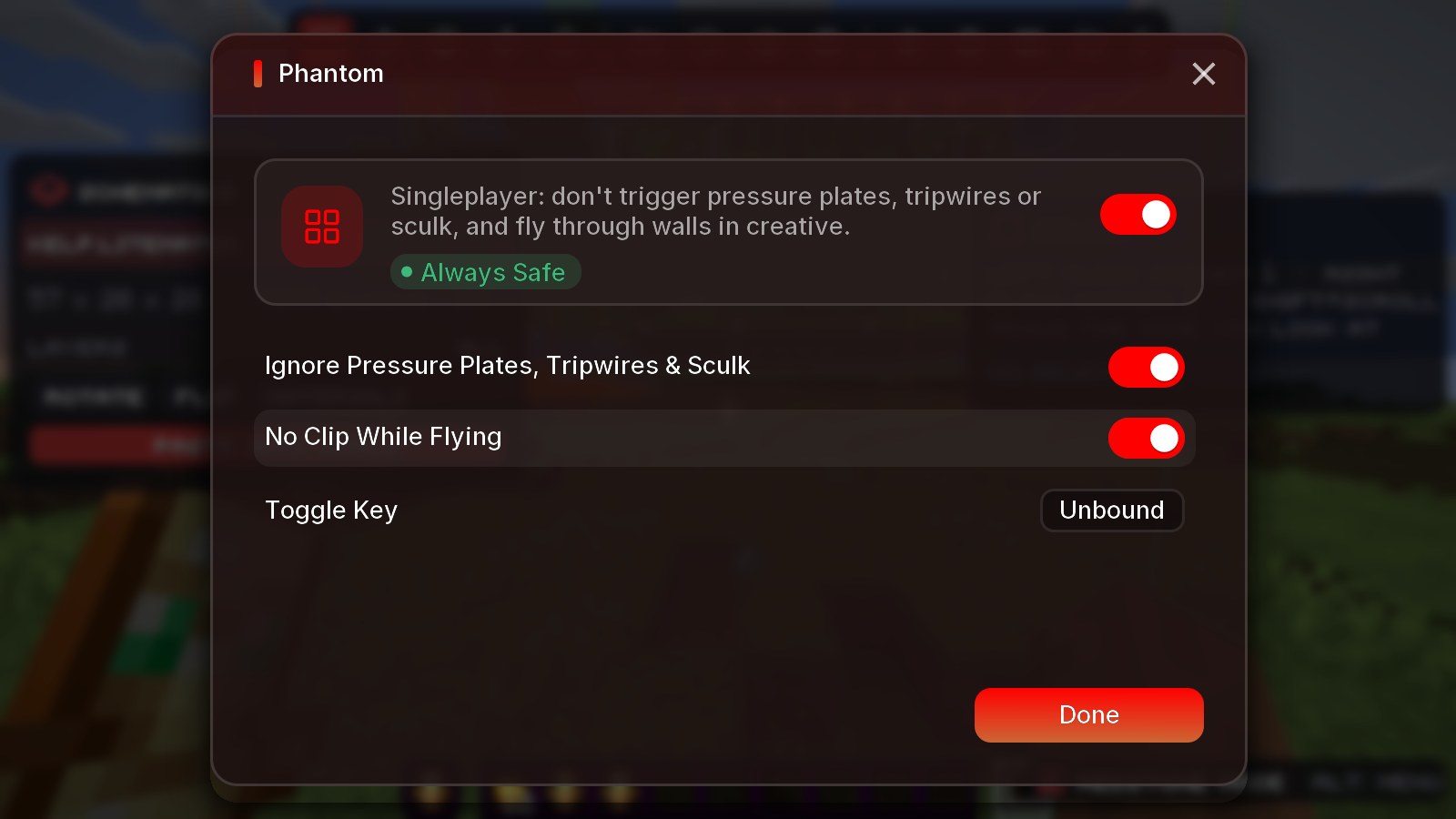
- Phantom (singleplayer) - pressure plates, tripwires and sculk sensors ignore you, and No Clip lets you fly through walls in creative.
- Hopper Speed, Tick Mode (freeze, step and rewind the world) and Fast Grow.
Clips & Fight Recap
Clips keeps the last seconds of gameplay in memory - press F8 and they're saved as a clip. Fight Recap tracks every fight against players: hits, crits, best combo, accuracy and reach, with a popup after each fight and automatic clips of the ones you win. All clips and screenshots from every profile are in the launcher's new Clips page, where you can play, scrub, copy and export them.
Parties
Invite friends into a Party from the launcher or in game. The leader can share their mods so everyone plays with the same setup, start the game for everyone at once, and in game you get party pings, shared waypoints and /party chat.
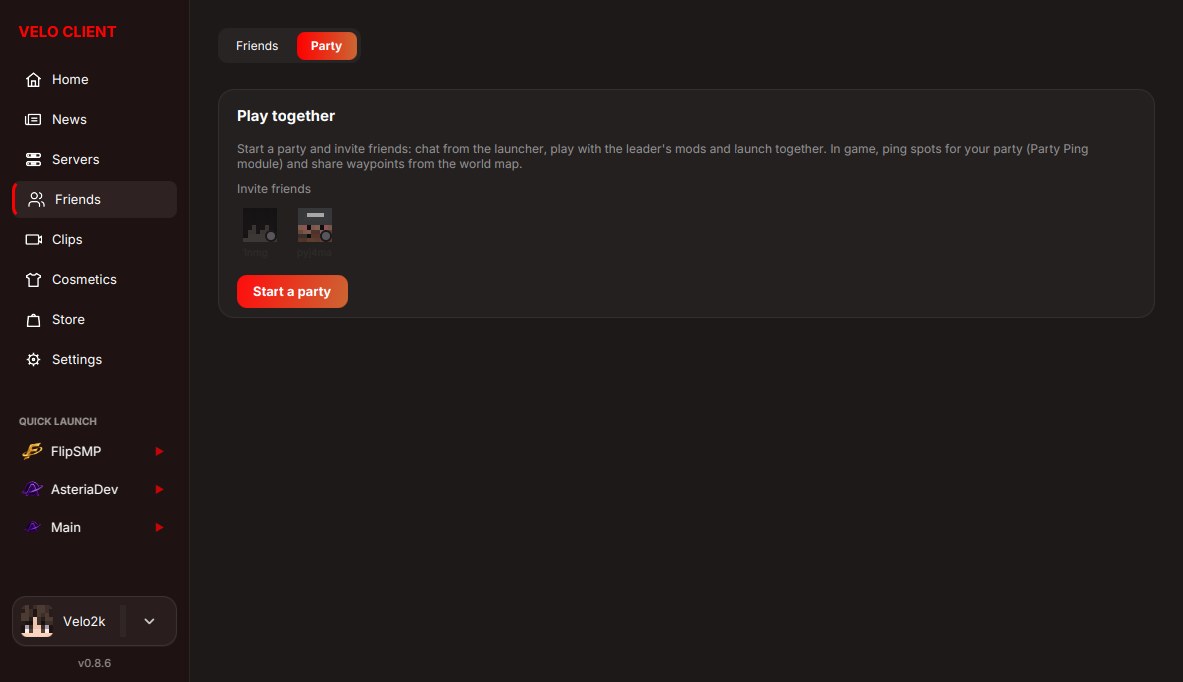
Servers & chat
- Server Overlays - Bed Wars teams and beds, generator timers, kills/finals and your session stats on 20 servers like Hypixel, Minemen, BlocksMC and CubeCraft.
- Player Levels - everyone in your game ranked by stars or level.
- Game Mode Presets - a different Velo profile per game mode, switched automatically.
- Chat - stacked repeats, timestamps, your name highlighted with a ping, hidden keywords and longer history.
Launcher
- Uses far less memory, goes idle while you play and only runs once.
- Updates itself and the mod right from GitHub.
- A system check before launching (memory, disk, other games running).
- A redesigned Store - more in the wings post.
Fixes
- Session Auto-Fixer no longer gets stuck on "Fixing session...".
- Faster rendering on 26.3, and optional crash reports grouped by cause so we fix the biggest problems first.
Get the update: the launcher updates itself. New here? It's free.
Download Velo ClientMore news
All news →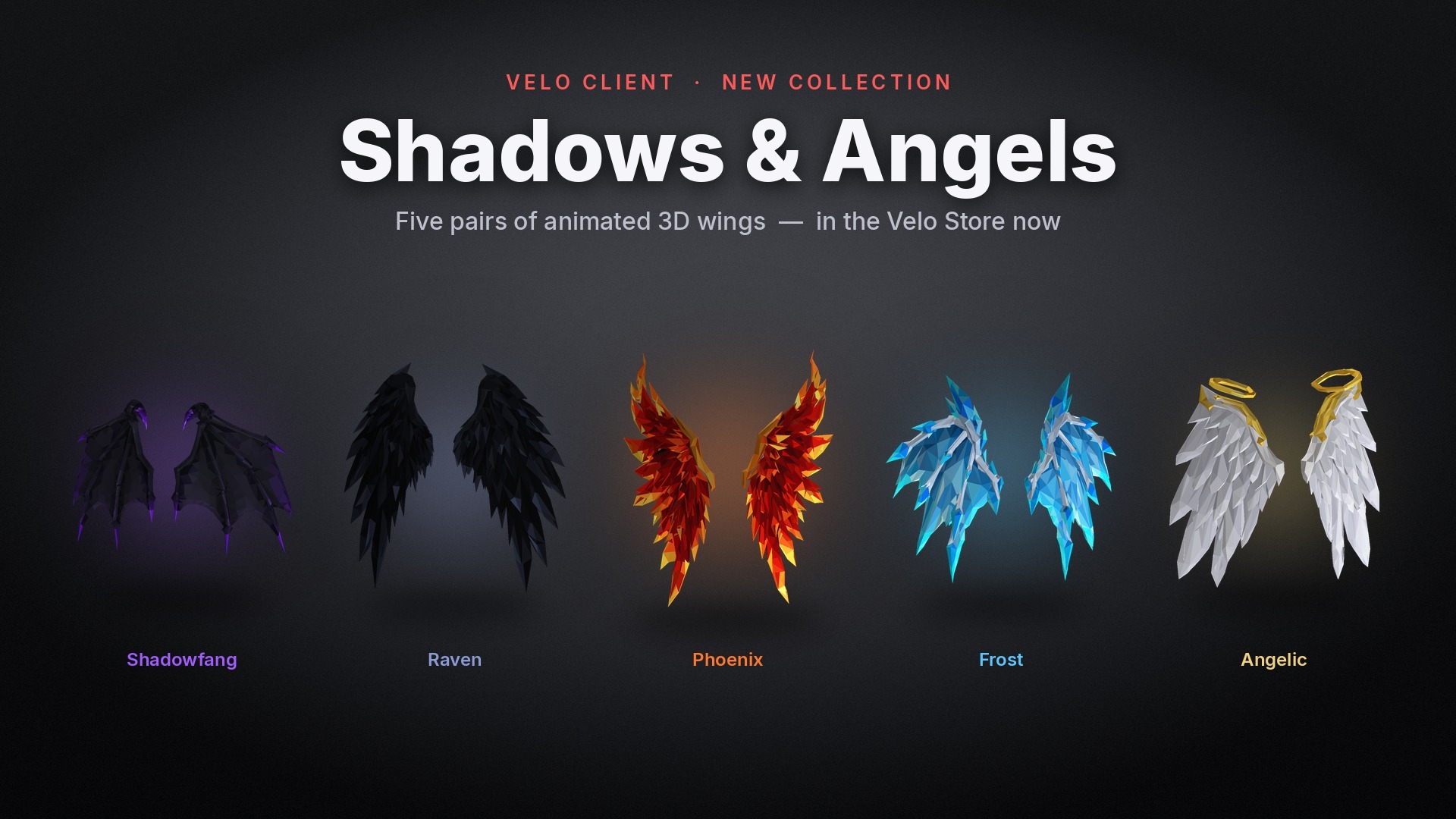 New collection: Shadows & AngelsFive pairs of real 3D wings that move with you - Shadowfang, Raven, Phoenix, Frost and Angelic. In the Velo Store now.
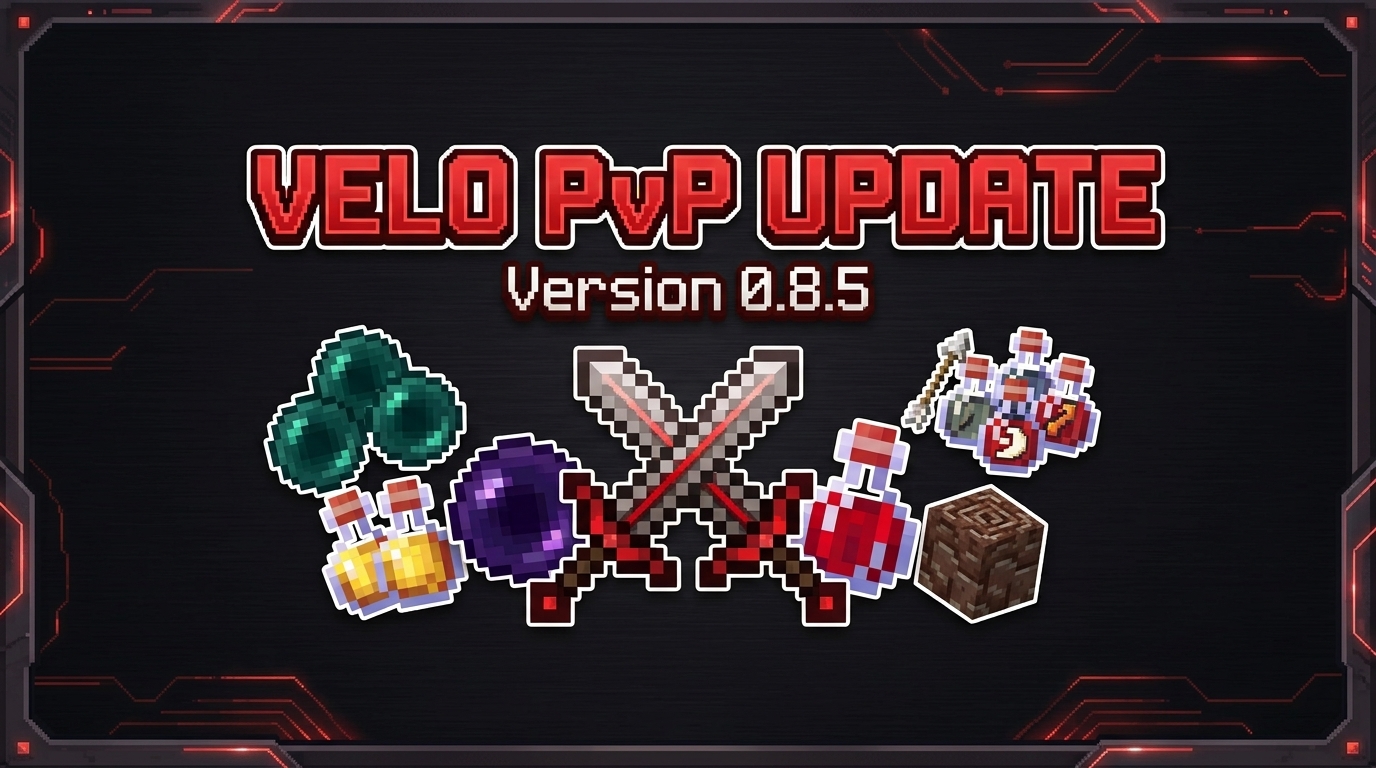 Velo Client 0.8.5: The PvP UpdateA new PvP tab with 1.8 animations, Hit Color, Cooldowns, enemy health/effects/hunger above heads and more - plus Anti Farm Lag, 26.3 support and big crash & memory fixes.