Velo Client 0.9.7: the new launcher & in-game menus
A completely redesigned launcher and in-game menus: a new Home, Library, Store with daily picks, bundles, gifts and wishlists, a Locker for every cosmetic, a new title screen and pause menu, invite rewards and a guided first start.
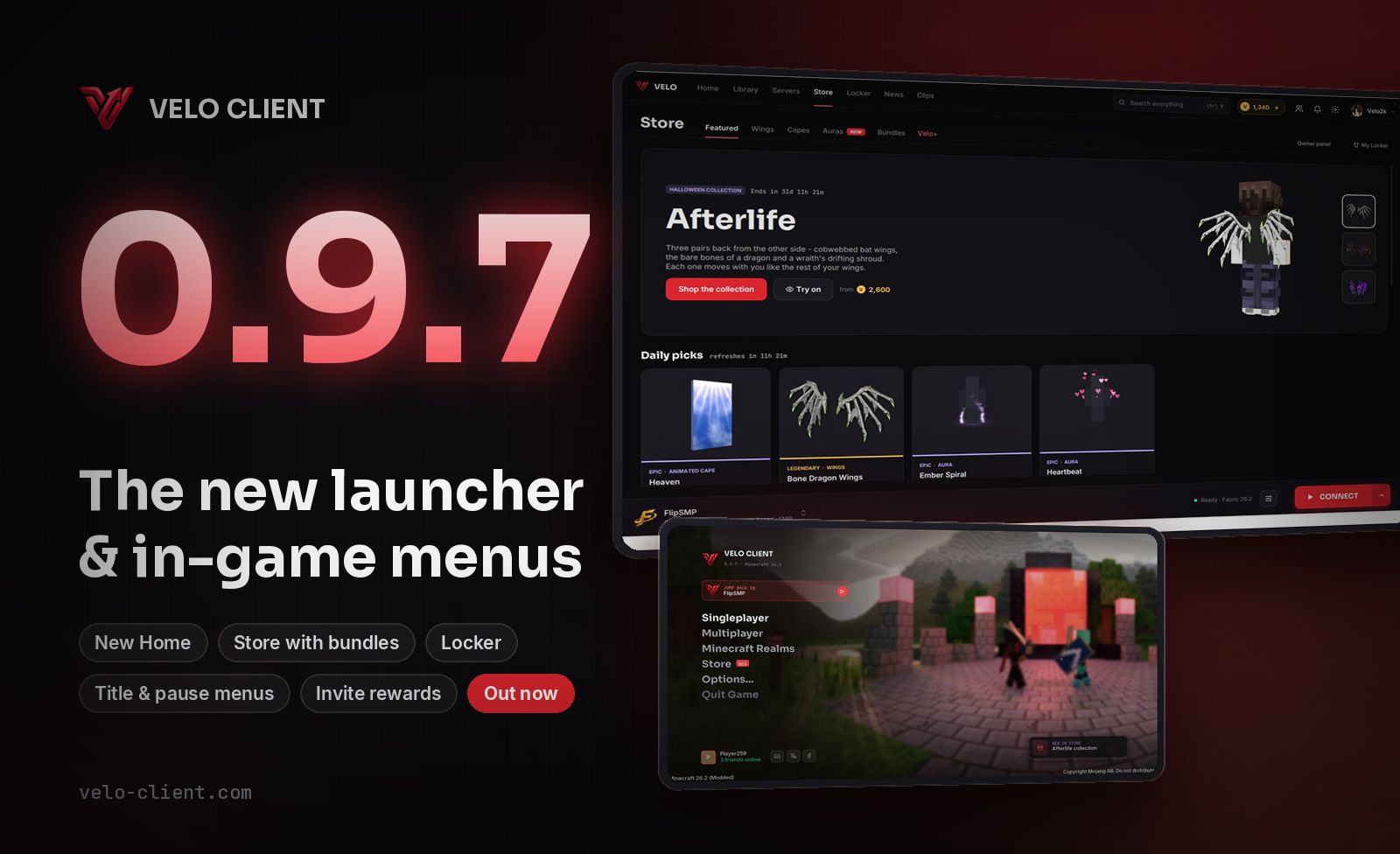
0.9.7 rebuilds the launcher from the ground up. Every page has a new look, the navigation moved to the top, and the Play button now lives in a bar at the bottom that's always within reach.
Home & Library
Home shows what you played last with one big Continue button, what's new, and your recent profiles under Jump back in. All your profiles moved to the new Library, with search and filters.
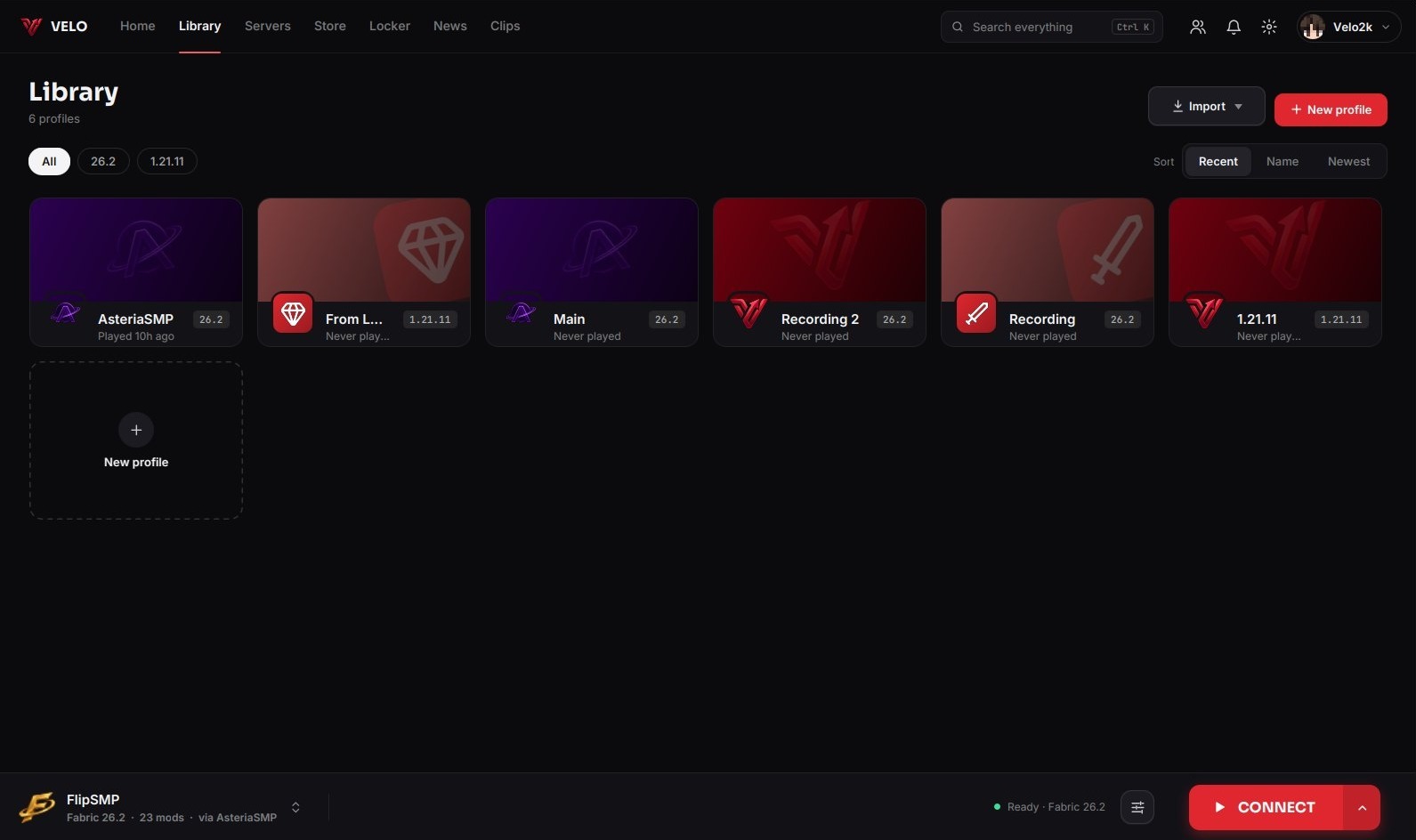
- Launch bar at the bottom: pick a profile or server, see its status and press Play from any page.
- Search everything with Ctrl + K: pages, profiles, servers, settings and store items.
- Notifications in the bell: friend requests, messages, updates and new posts.
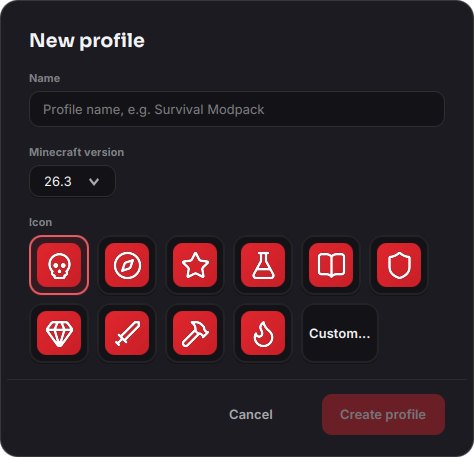
- Tabs at the top now have a smooth sliding underline, and every popup (new profile, add server, confirmations) got a new rounded look.
A new Store
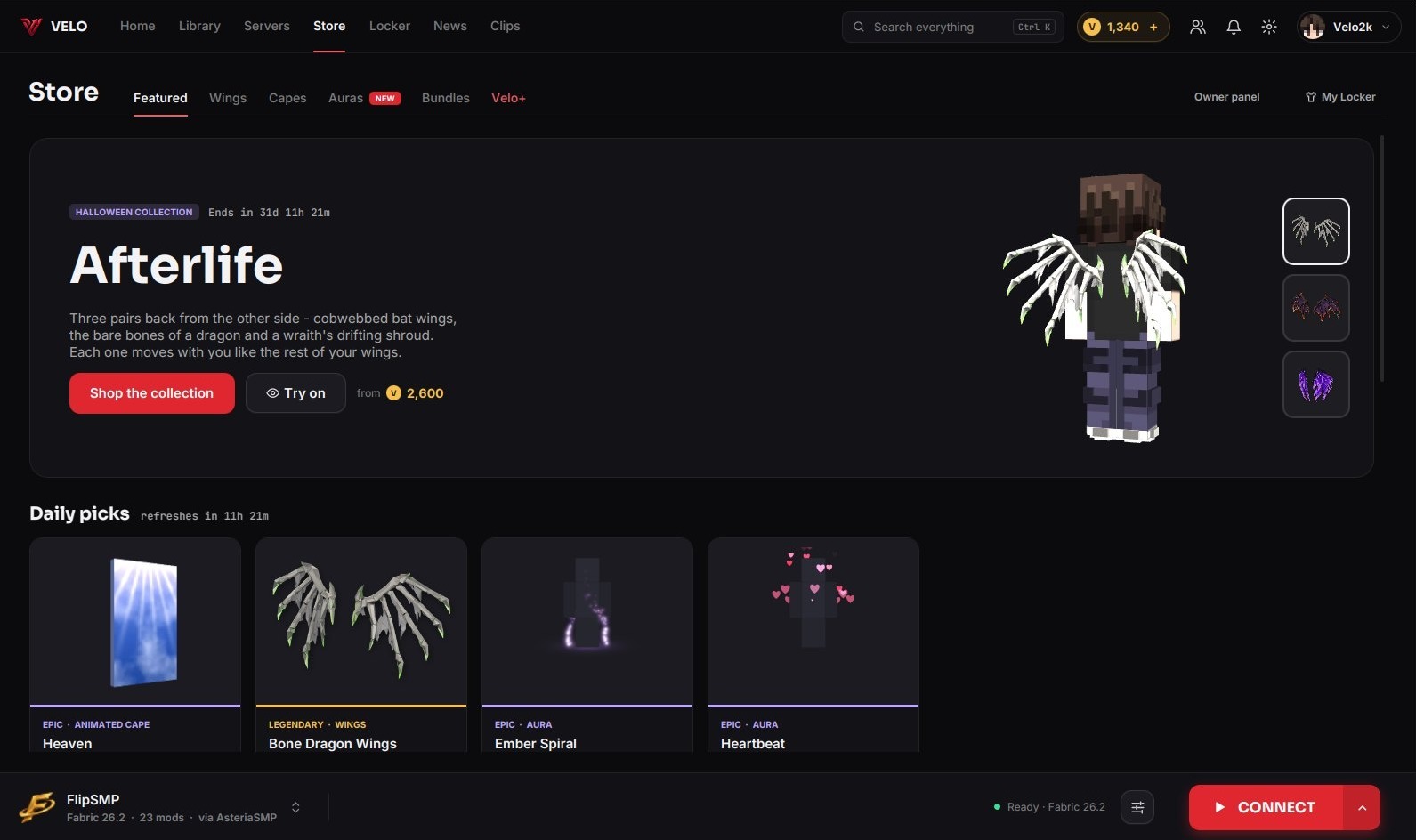
- Daily picks: four items every day, two of them on sale.
- Bundles: whole sets for less. If you already own part of one, you only pay for the rest.
- Gifts: buy any item for a friend, and it goes straight to their Locker.
- Wishlist: keep track of what you want next.
- Rarity tiers on every item, and a bigger page for each one with a live 3D preview on your own skin.
The Locker
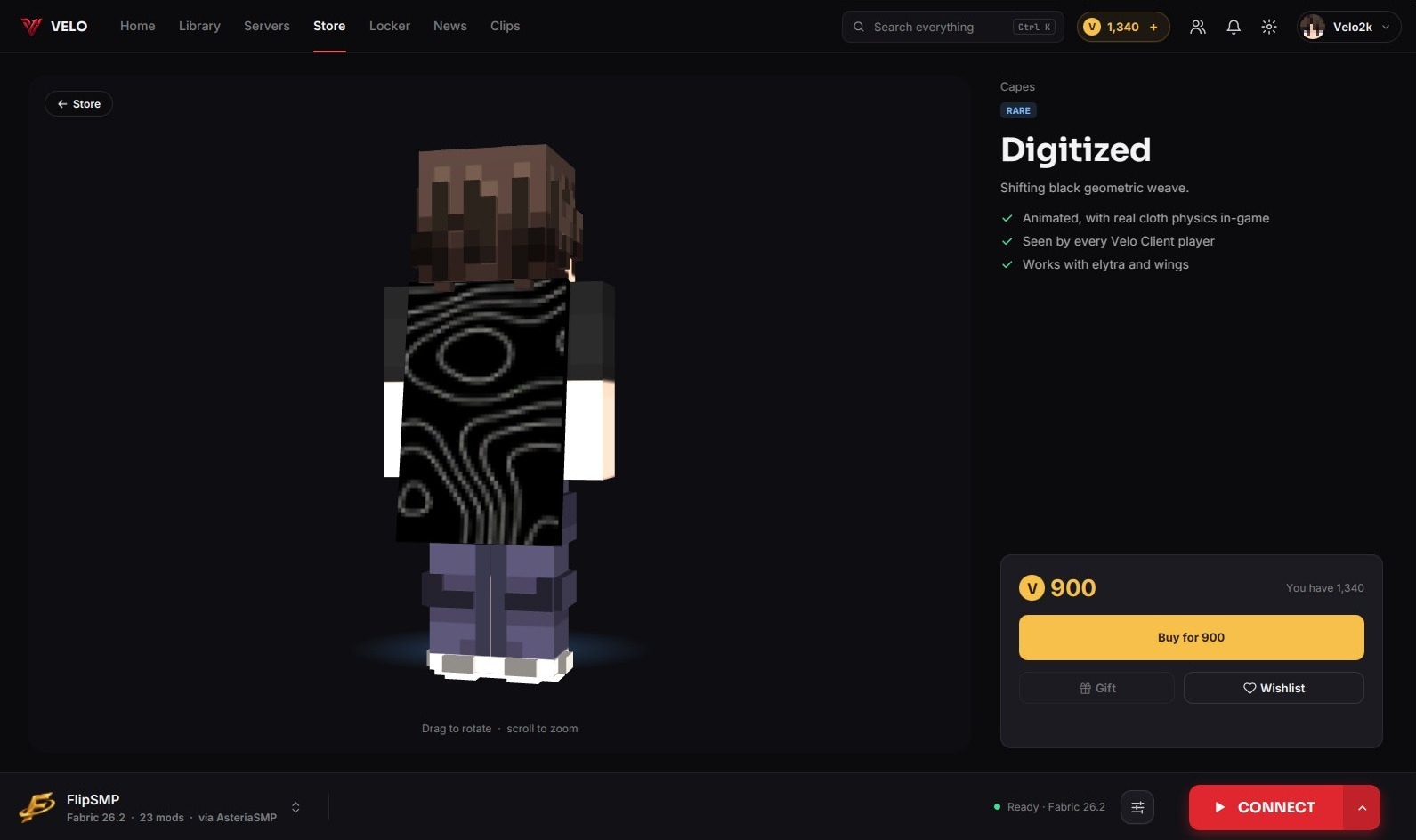
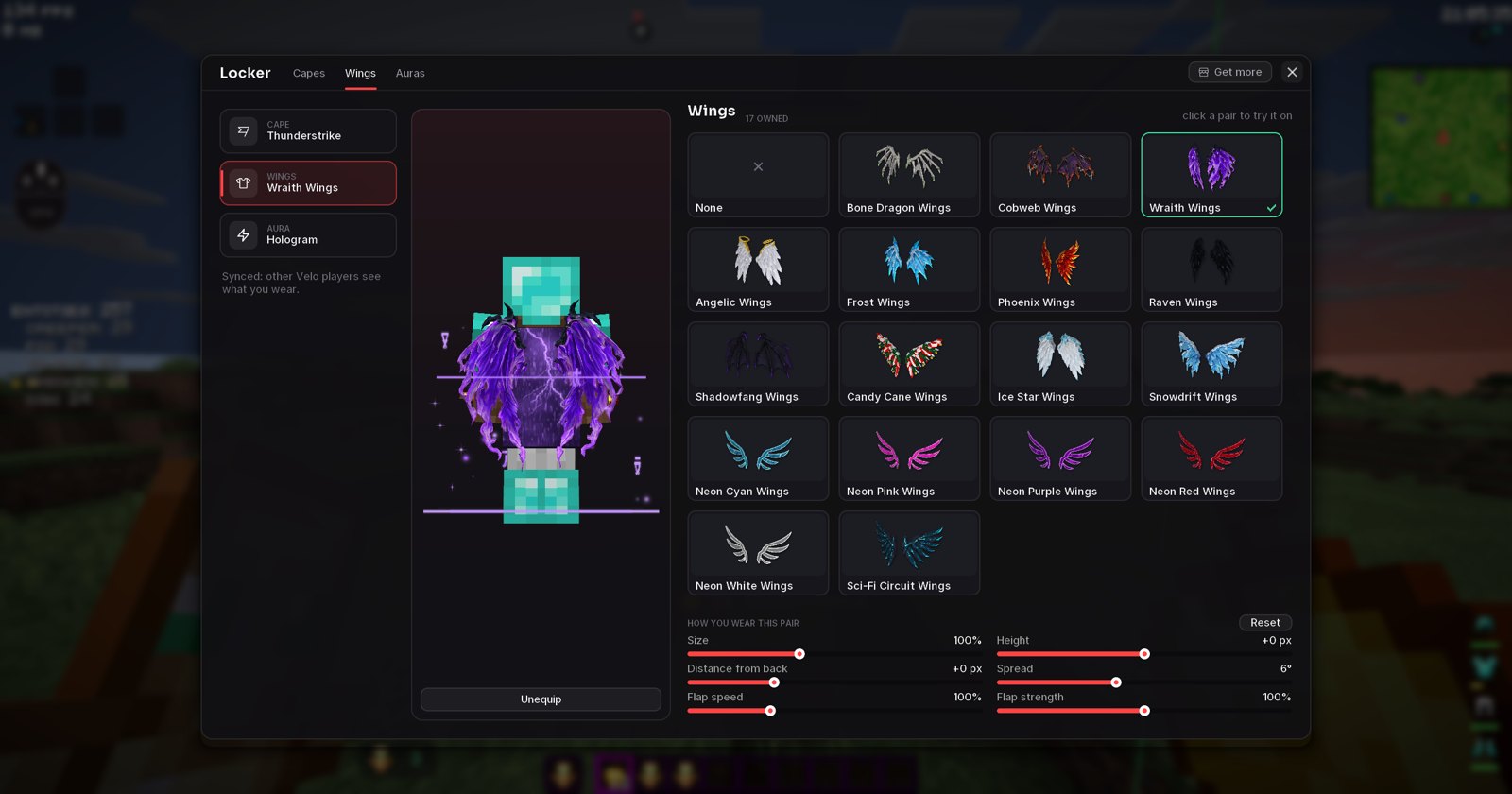
Everything you own in one place: wings, capes, auras and your skins. The skin changer moved here from the profile page. Save loadouts to switch between full looks in one click.
Invite friends, earn Velo Coins
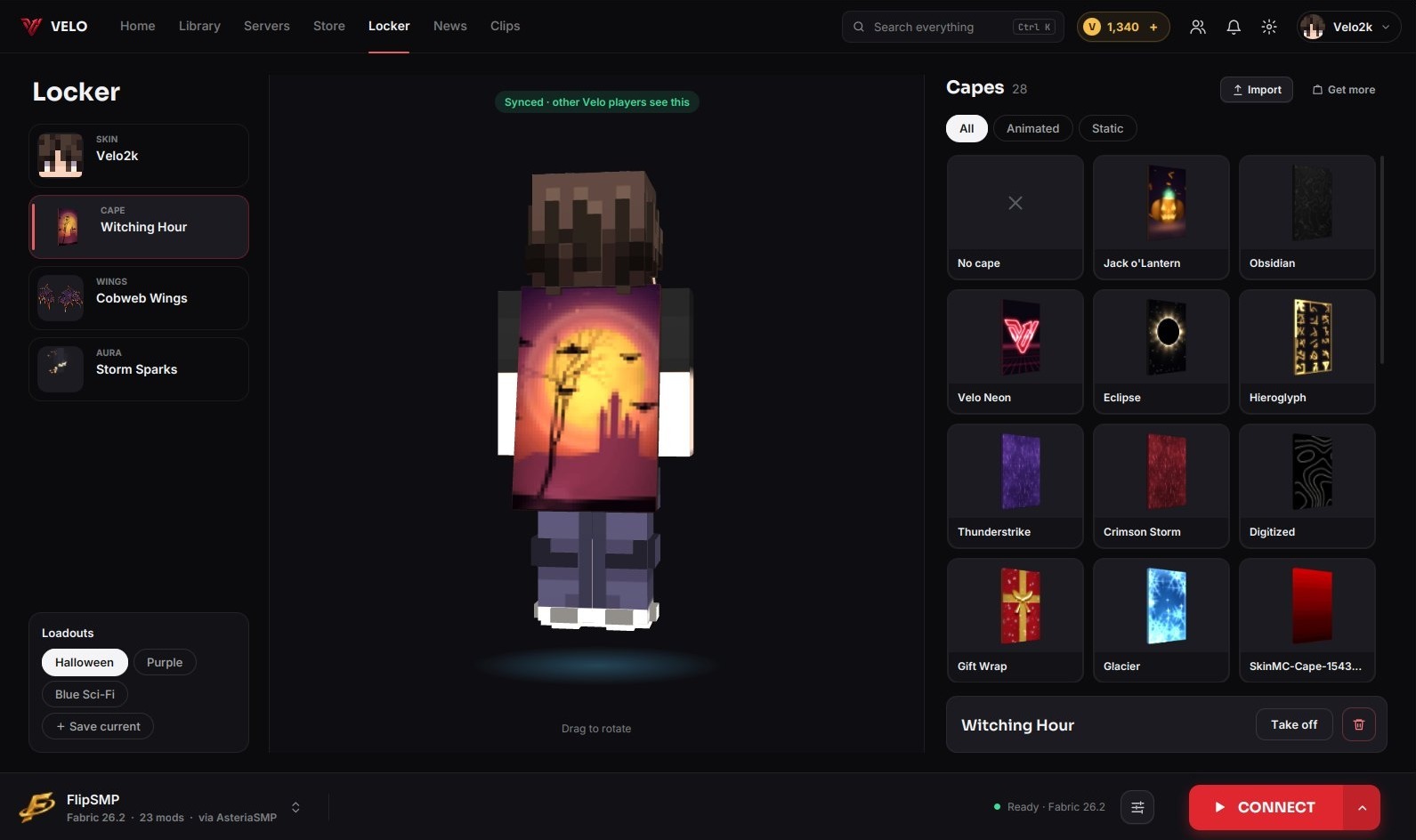
Every player now has an invite code. When a friend enters it and plays for 2 hours, they get 300 Velo Coins and so do you. The more friends you invite, the more each one pays: 300, then 400, then 500 coins per friend, for up to 10 friends.
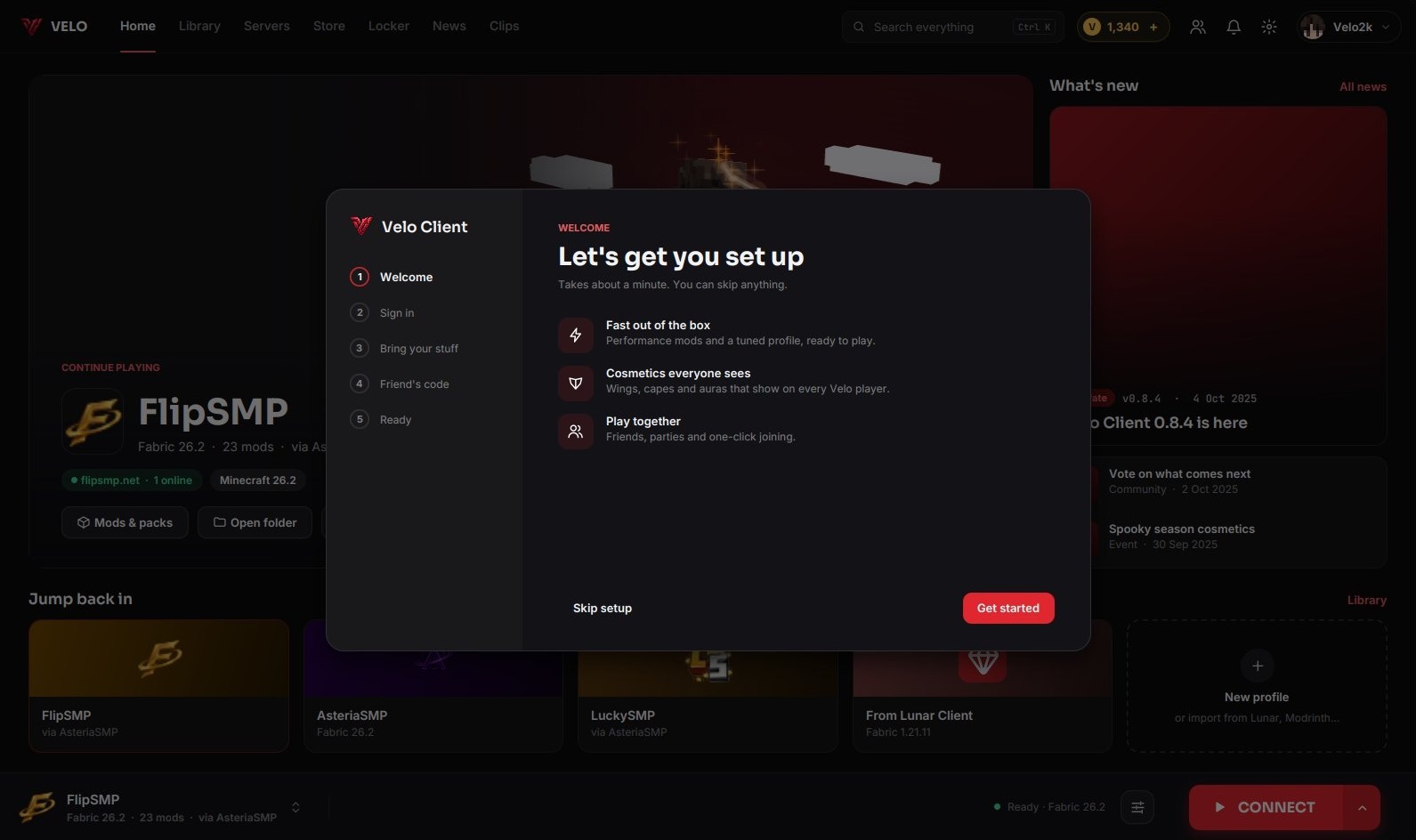
A guided first start
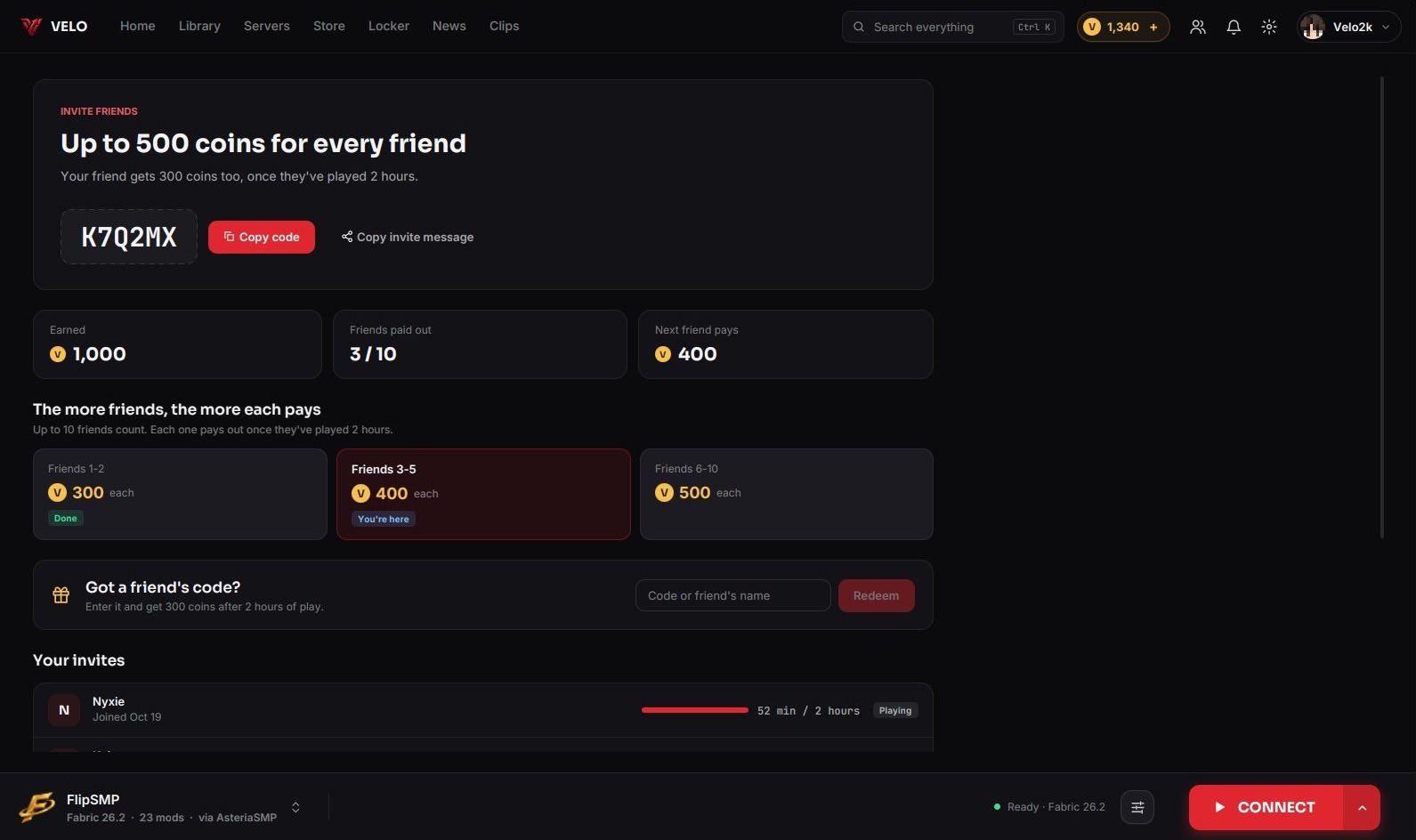
New players are walked through setup: sign in, bring keybinds, servers and mods over from another client, and enter a friend's code. Every step can be skipped.
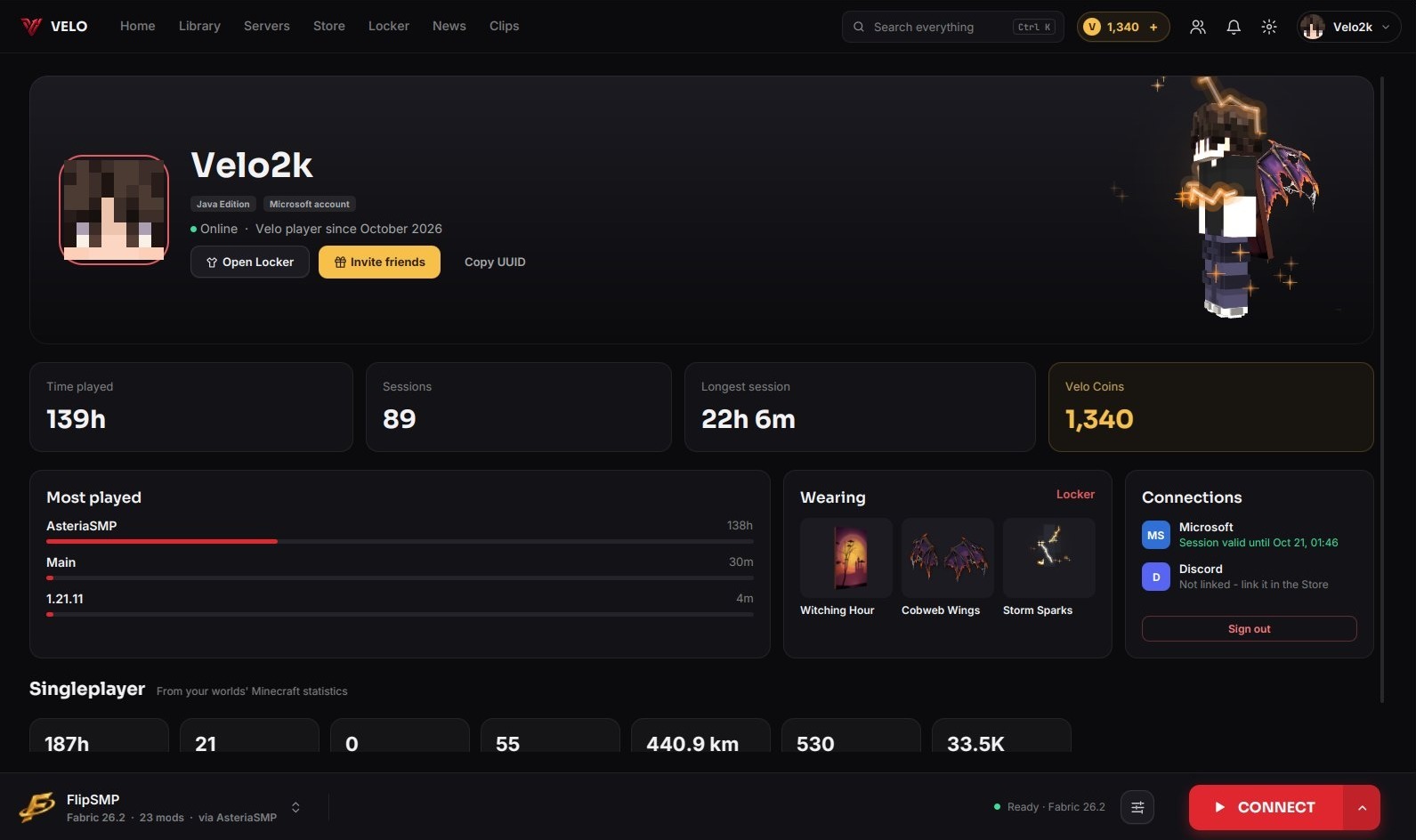
Your profile
The profile page was rebuilt: play time, sessions, most played profiles, what you're wearing, your connected accounts and stats from your singleplayer worlds.
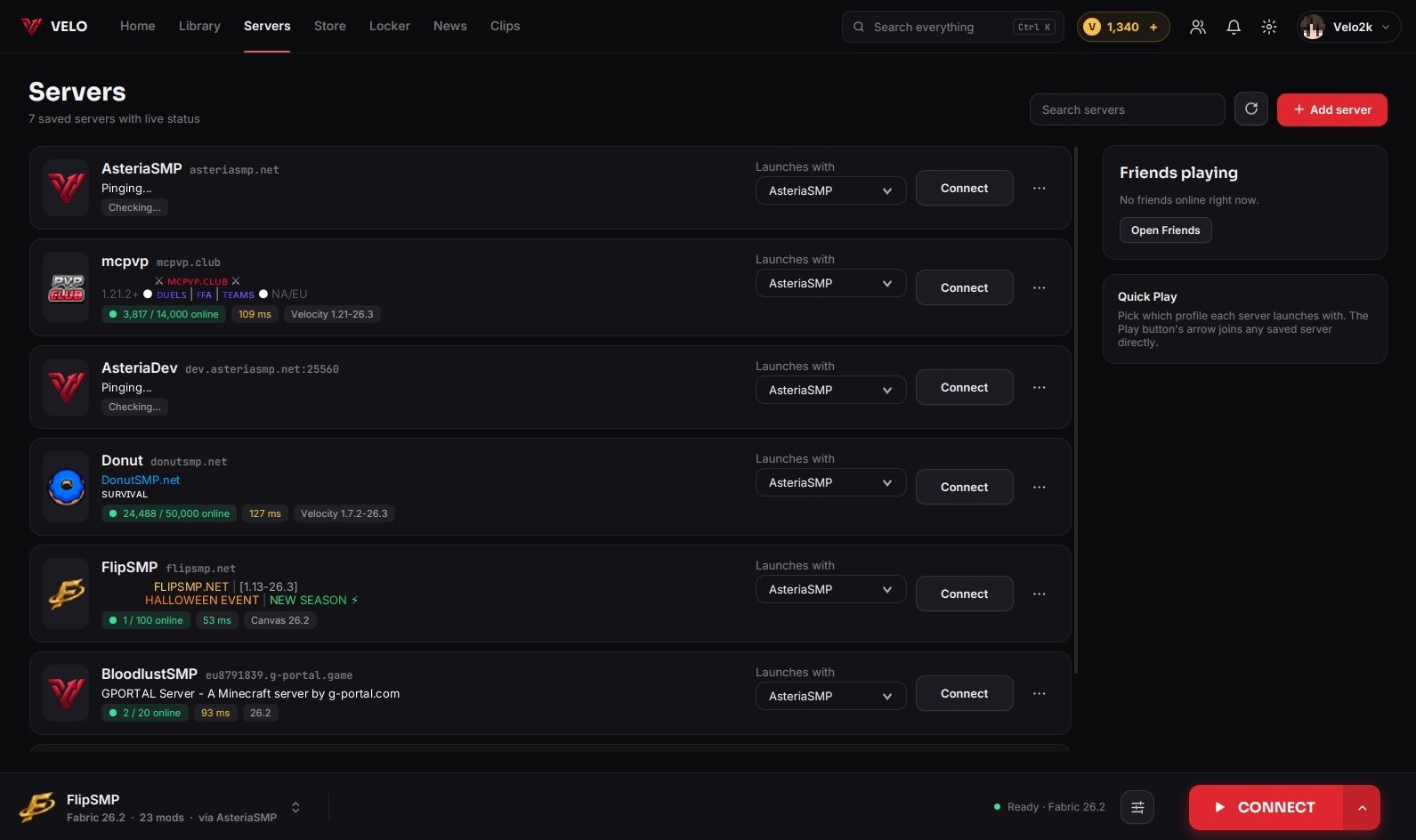
Servers, Clips, Settings & Themes
- Servers are cards with live status, players online and ping.
- Clips can now be trimmed: set a start and an end and save the part you want as a new clip.
- Settings has a side menu and a search box.
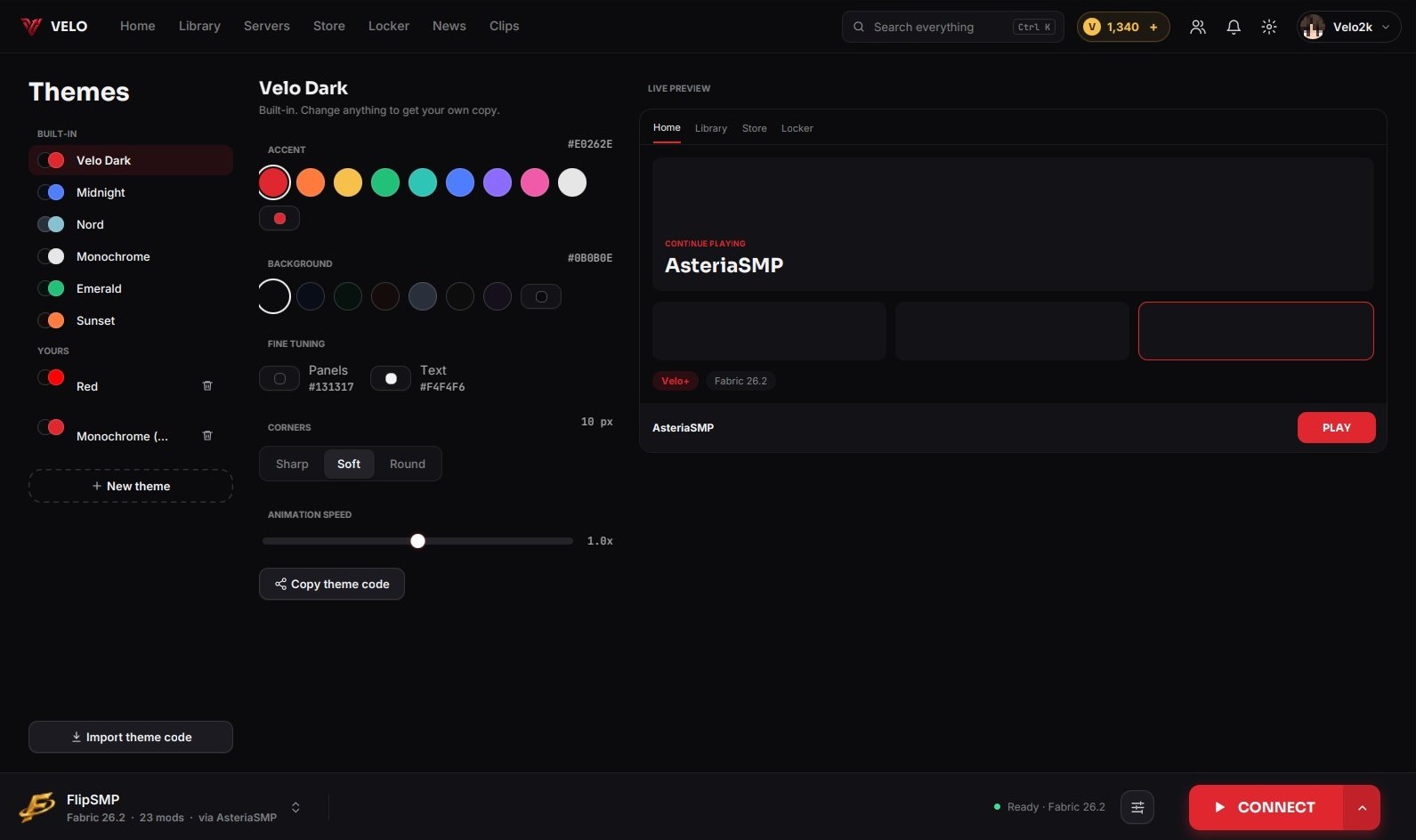
- Custom themes are still yours to make: pick colors, corners and animation speed with a live preview, and share a theme as a code others can paste in.
The same look in game
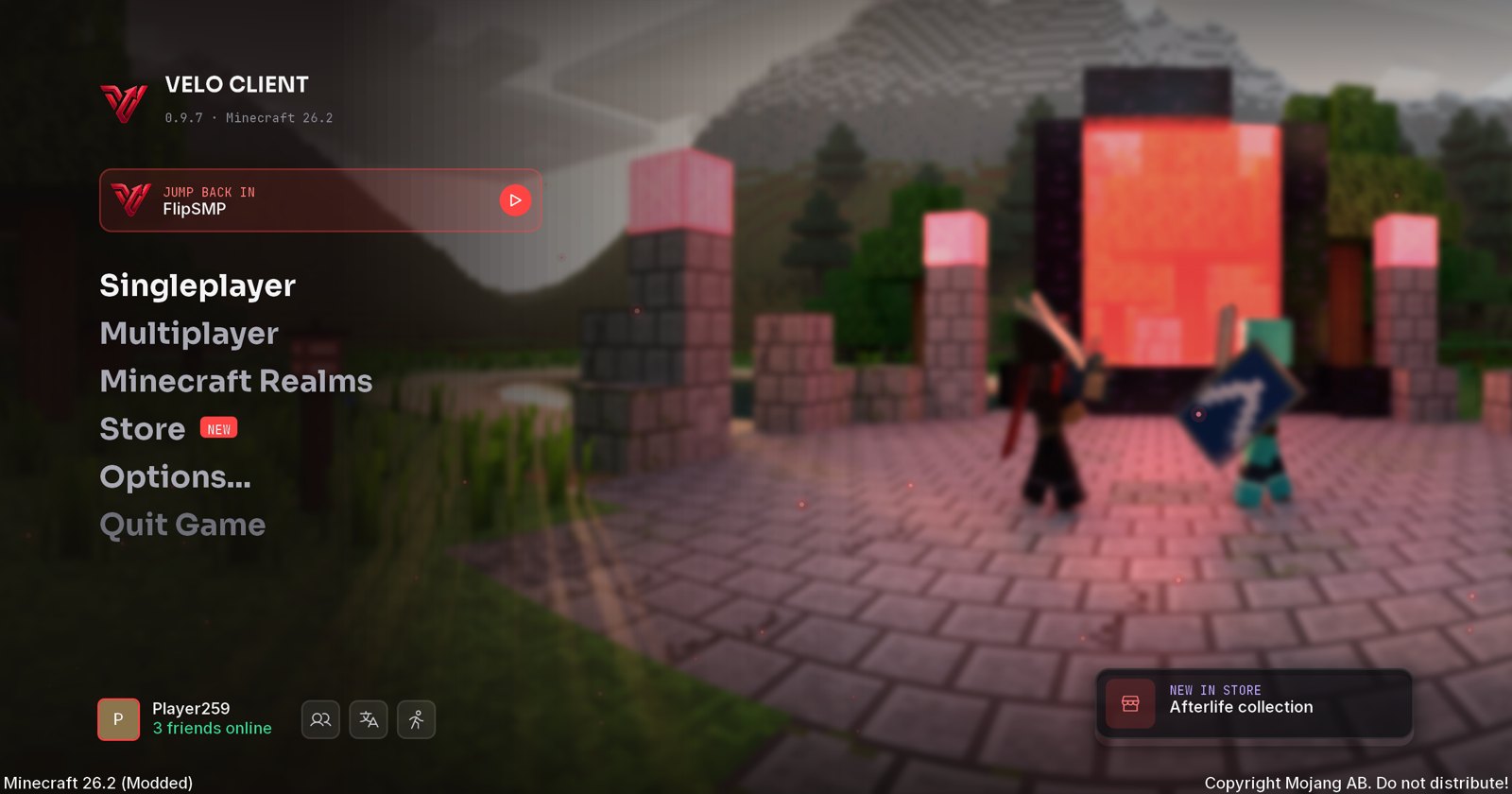
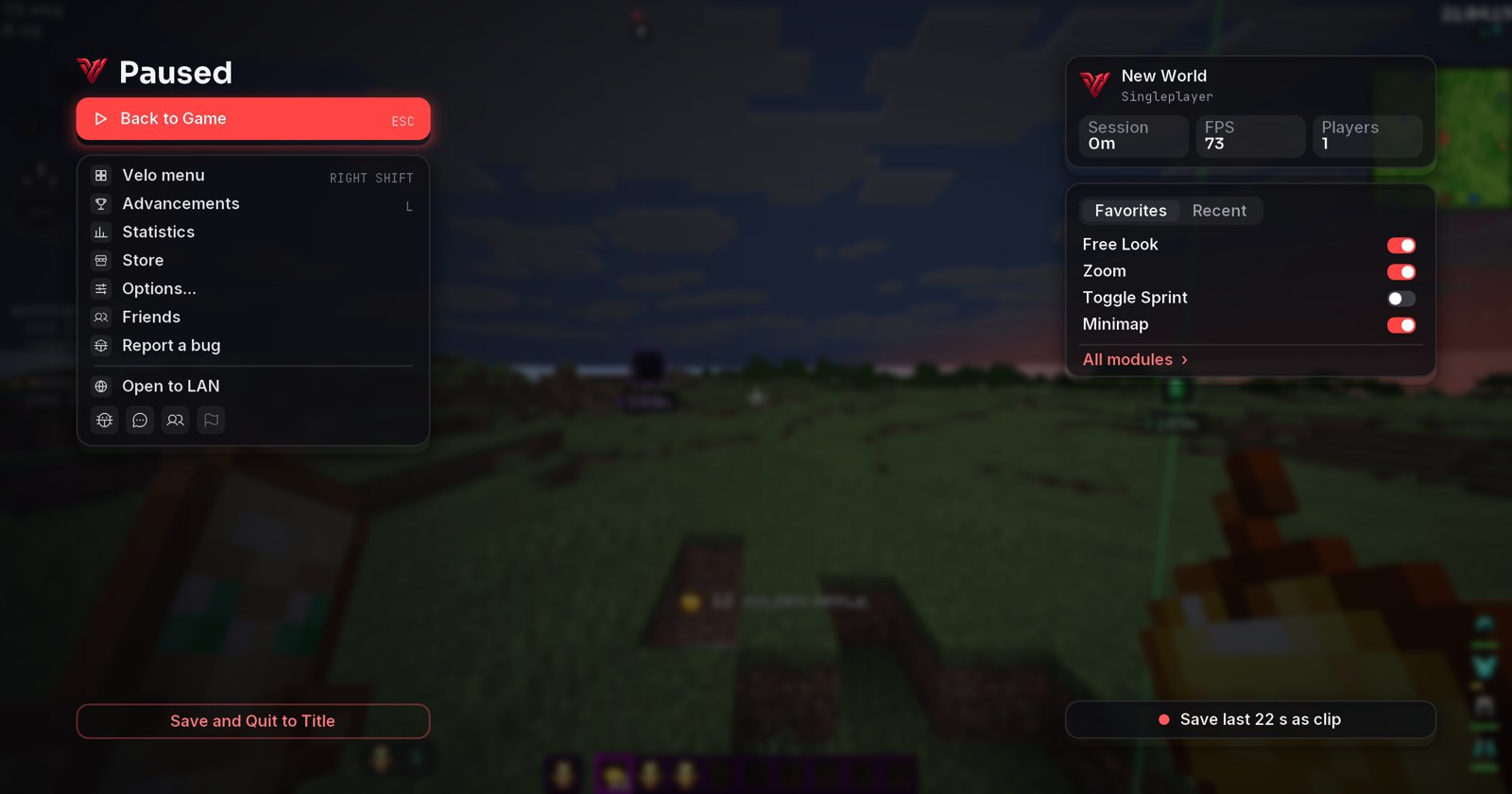
The in-game menus got the redesign too. The title screen has a Jump back in card for your last server, big menu words that slide on hover and your friends online at the bottom. The pause menu shows the server you're on, your quick toggles and a one-press clip button - and both open with a smooth slide-in.
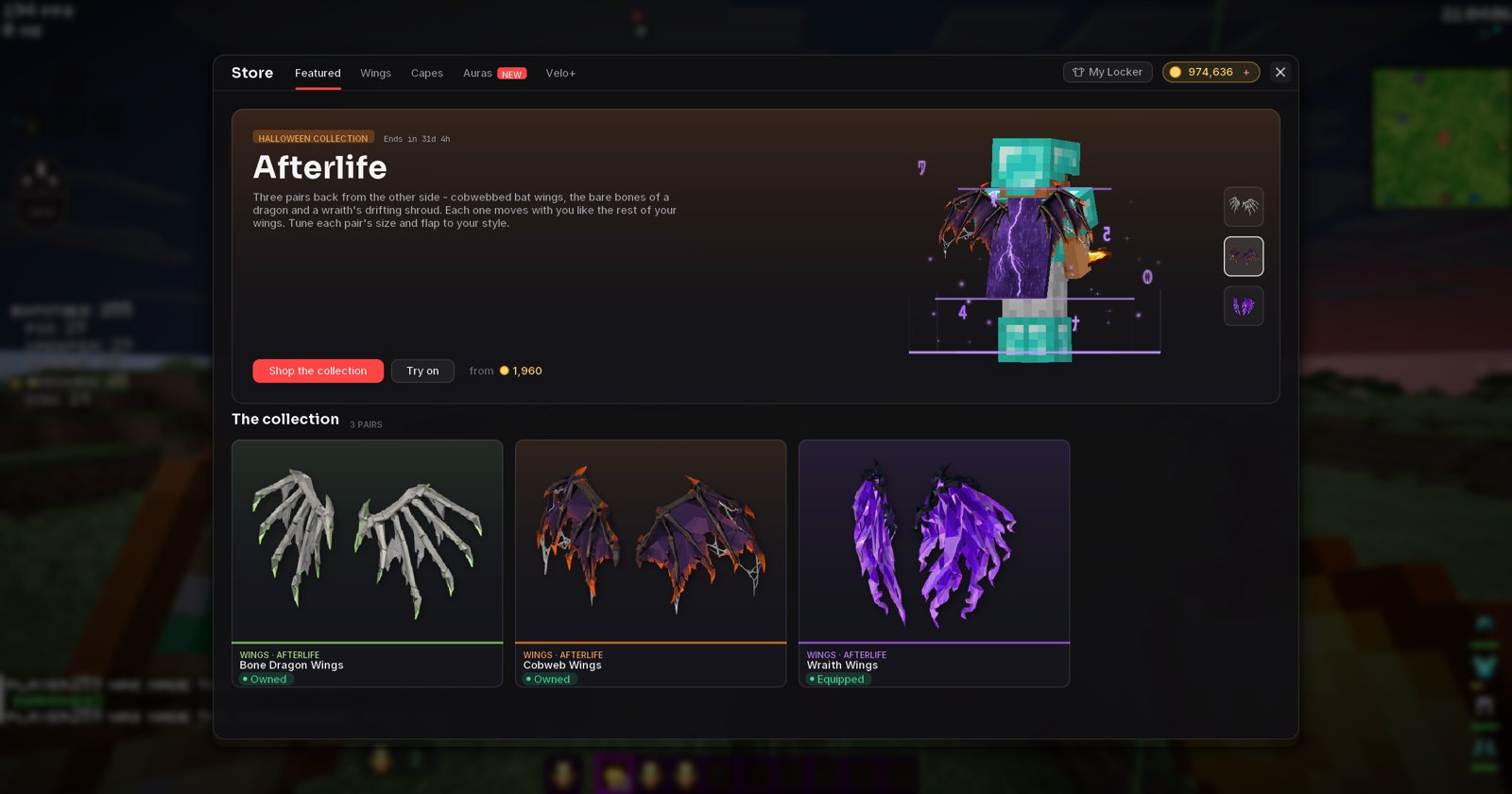
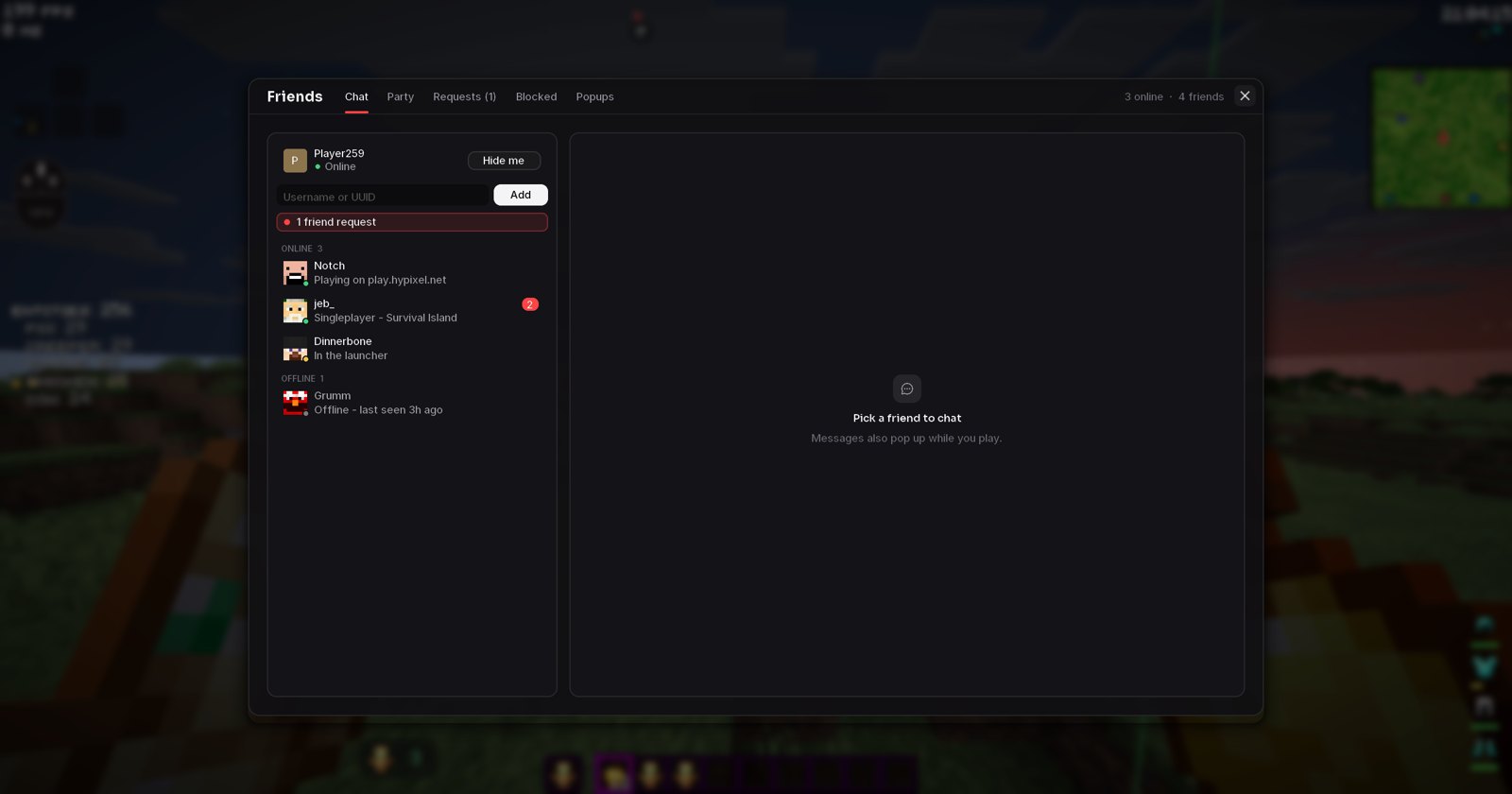
Store, Locker and Friends in game now look exactly like the launcher: tabs in the header, the same cards and the same fonts, drawn crisp at any GUI scale. The Locker shows what you wear per slot, a big live preview and your whole collection - with each pair of wings' settings right below.
- New Statistics, Advancements and Keybinds screens (with a keyboard map of your binds).
- Mods like Essential, Mod Menu and ukulib keep their buttons - they're fitted into the new menus.
- Loadouts in the launcher now remember each cosmetic's colours and settings.
- Your wishlist has its own page in the Store, with what everything costs together.
- A Relaunch button restarts your profile in one press after changing mods.
Tell us what you think in the Discord!
Get the update: the launcher updates itself. New here? It's free.
Download Velo Client