Velo Client 1.1: ride your pet, notes that draw along, a launcher that fixes itself
Pets you can ride, World Notes with picture and whiteboard notes you draw on together, Storage Memory, the Launcher Doctor, a Fabric Loader picker, Discord status - and Velo Bridge for server owners.
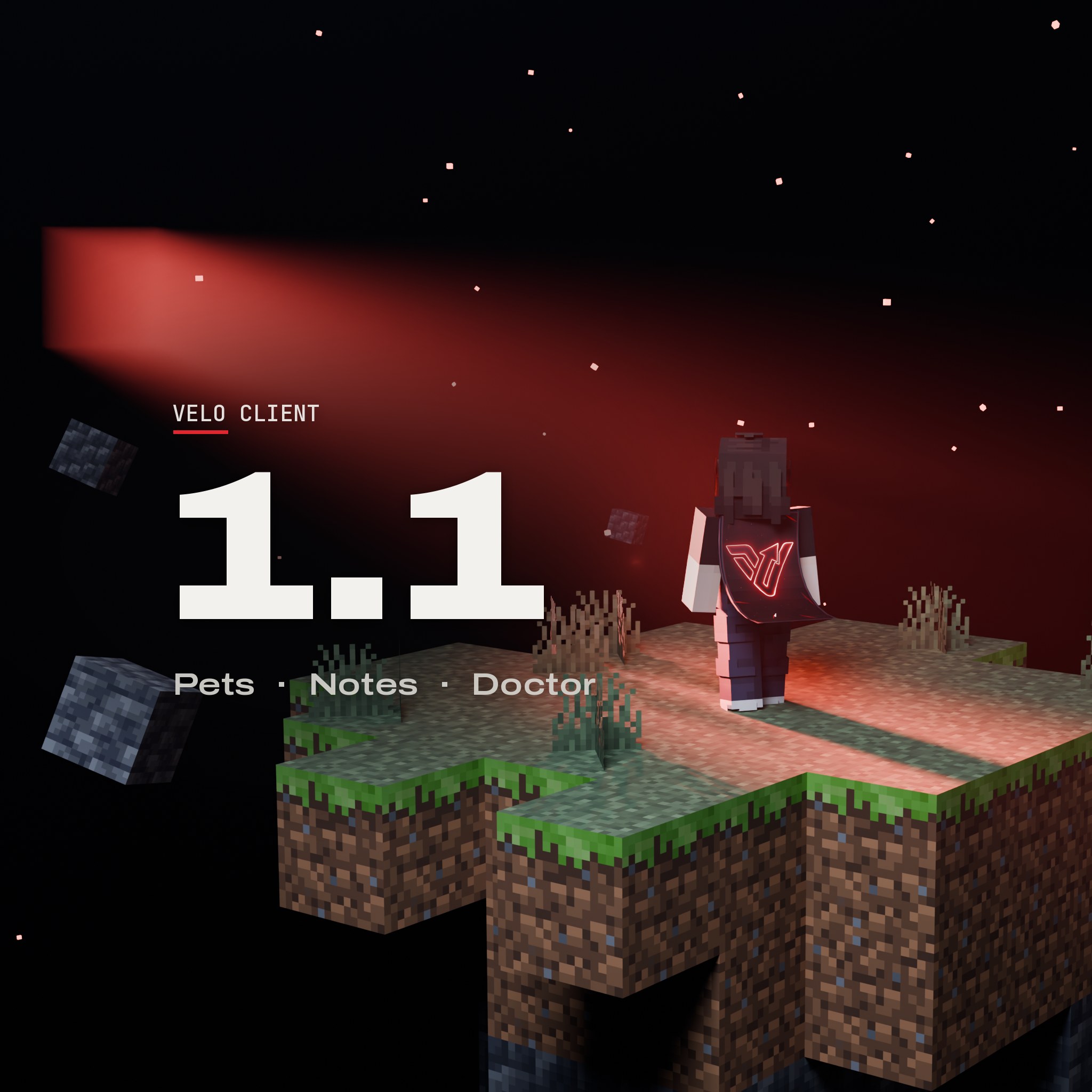
Velo Client 1.1 is the biggest update since 1.0: a companion that follows you around (and that you can ride), notes that float in your world, a memory for every chest you open, and a launcher that finds problems before your game crashes. Here's everything new.
Pets
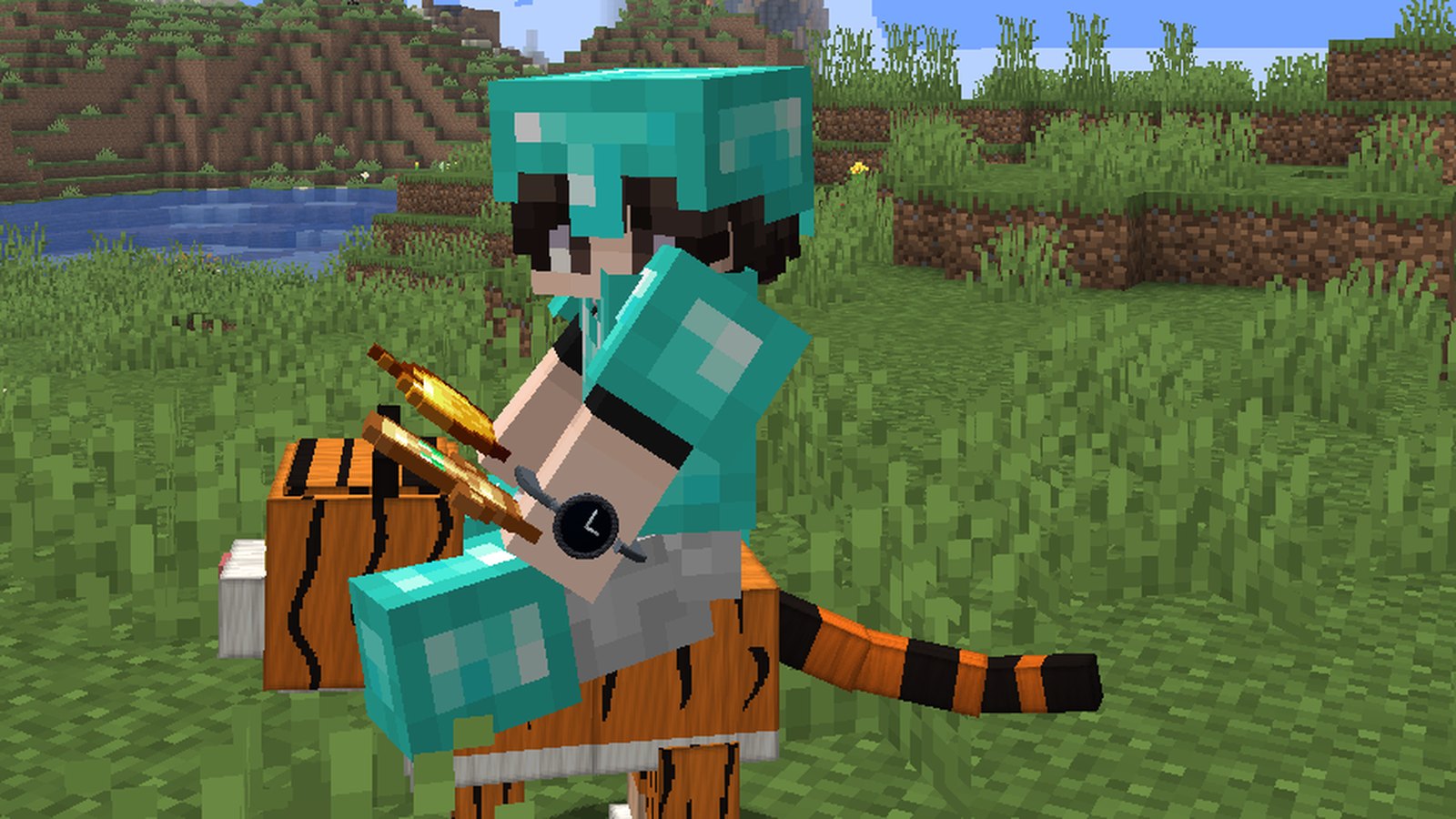
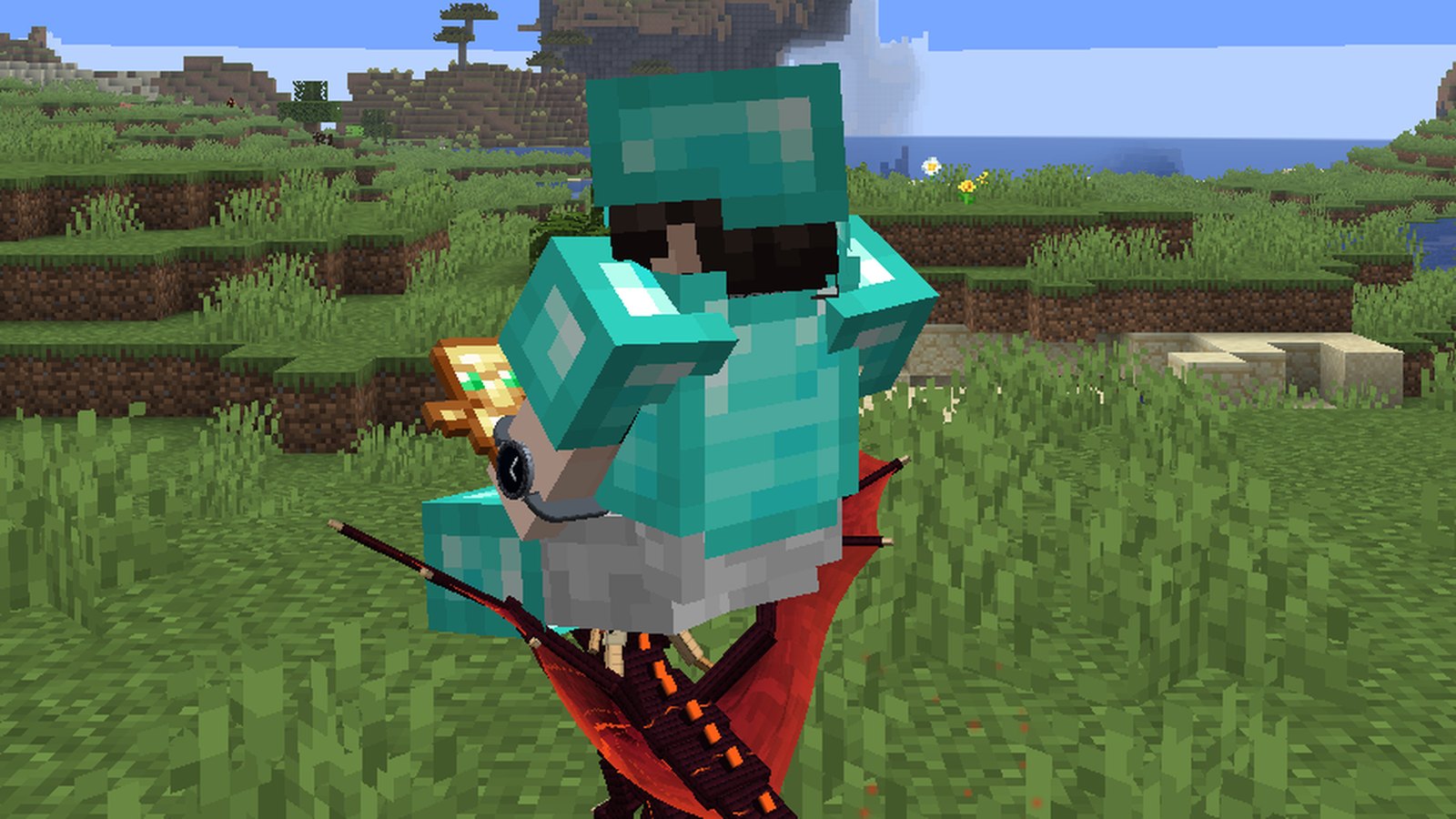
Pick a pet in the Locker and it follows you everywhere: it walks and flies with you, does tricks when you stand still, perches on your shoulder and falls asleep when you're away. Everyone with Velo sees it.
- Ride your pet: it grows to carry you and walks under you - you sit right on its back, and the camera rides along.
- 18 pets: Ember, Frost, Shadow, Void and Bone Drake, Boo the Ghost, Aurora Owl, Momo the Red Panda, Nebula Jelly, Luna the Pyjama Moon, Finn the Sky Shark, Yuki the Kitsune, Pebble the Penguin, Piko the Hedgehog, Toco the Toucan, Kiki the Capuchin, Raja the Tiger Cub - and Mini-Me, a tiny you in your own skin.
- Celebrates your kills - and stays calm in PvP fights if you want it to.
World Notes
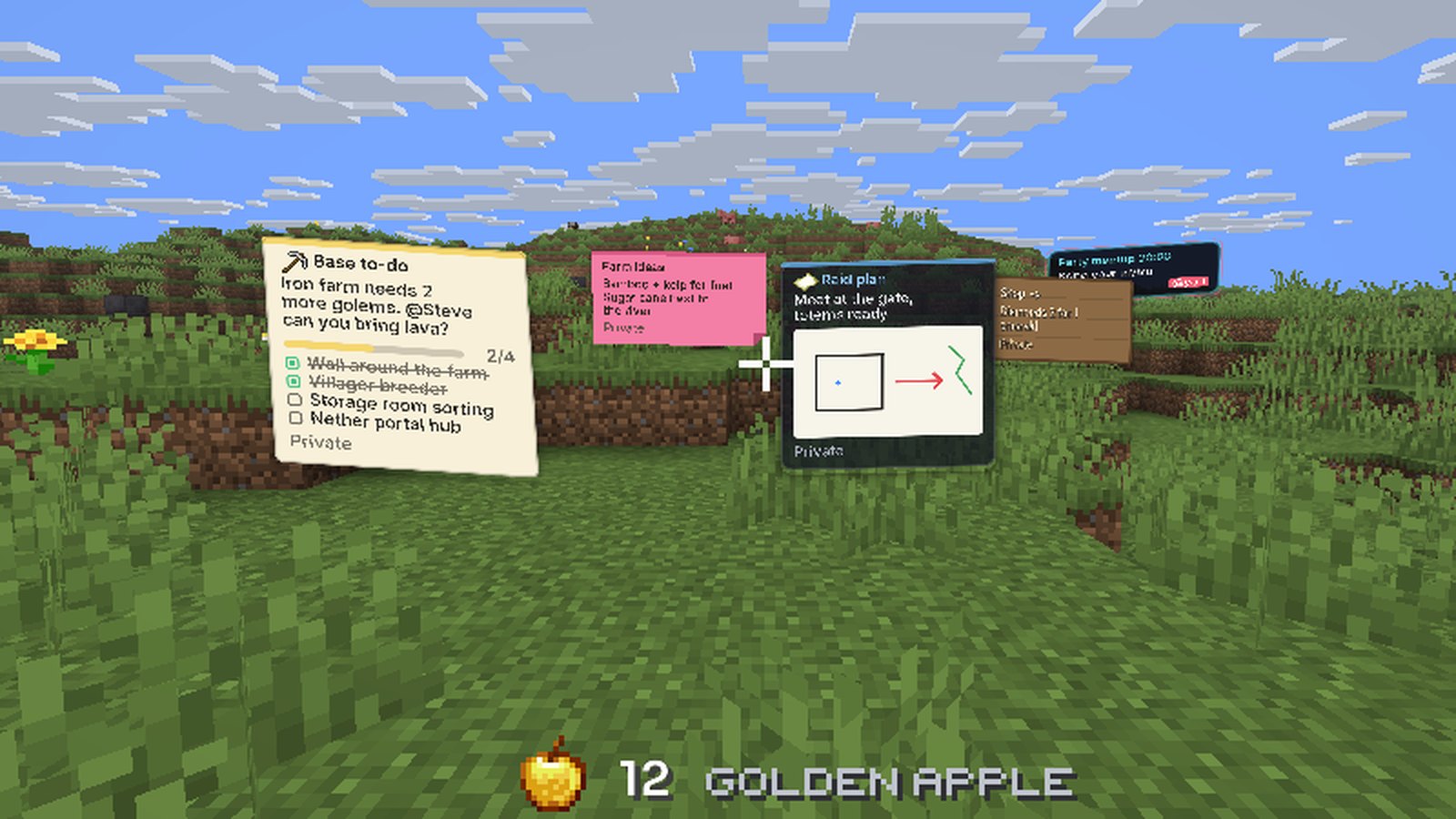
Press O to put a note in the world: a title, text with @mentions, a checklist your friends can tick off, an icon and five looks (paper, sticky note, glass, wooden sign, neon). Keep it private or share it with friends or your party - they see it right where you left it.
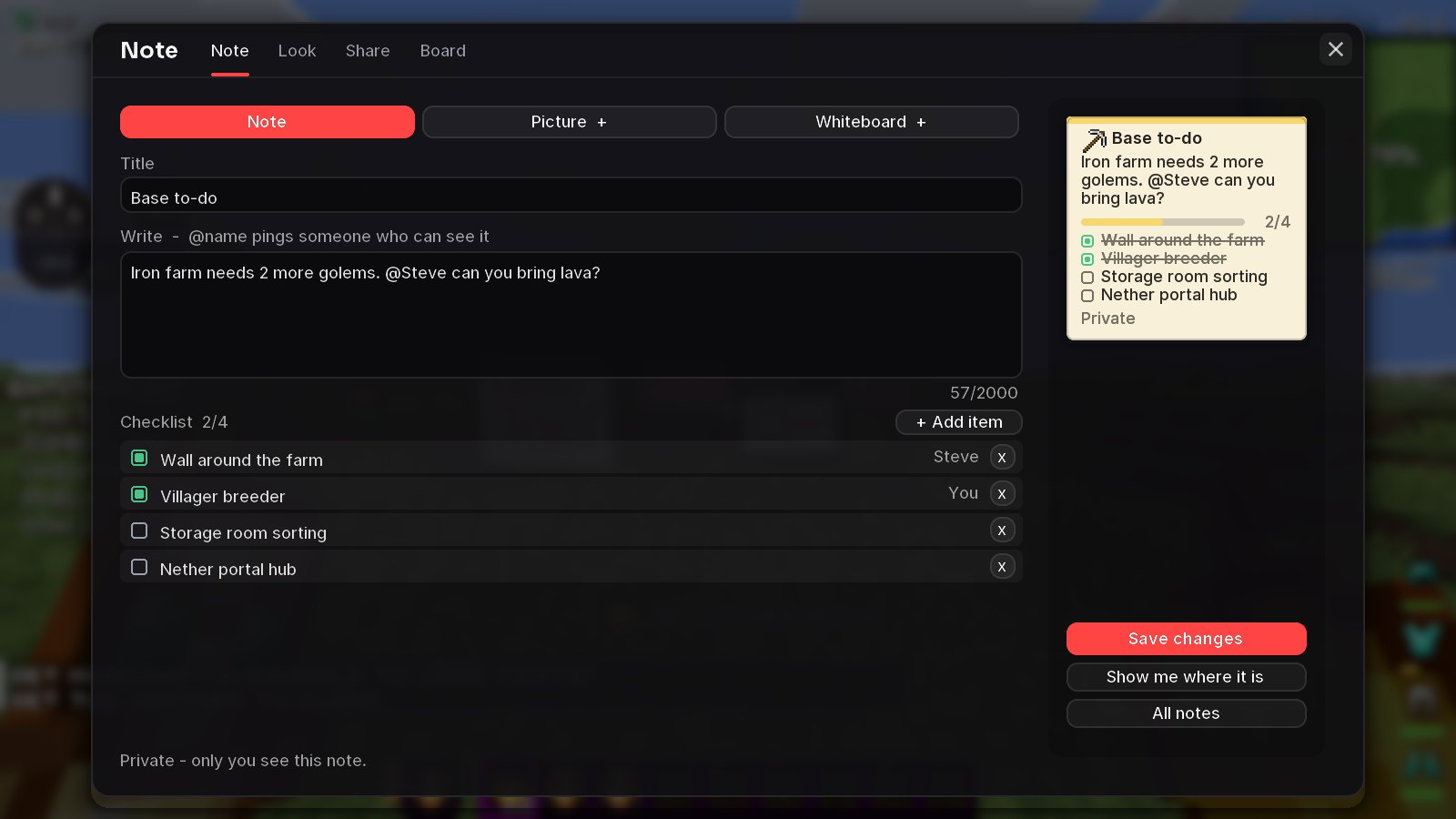
- Picture notes - a note that's just your picture, with an optional caption. (Velo+)
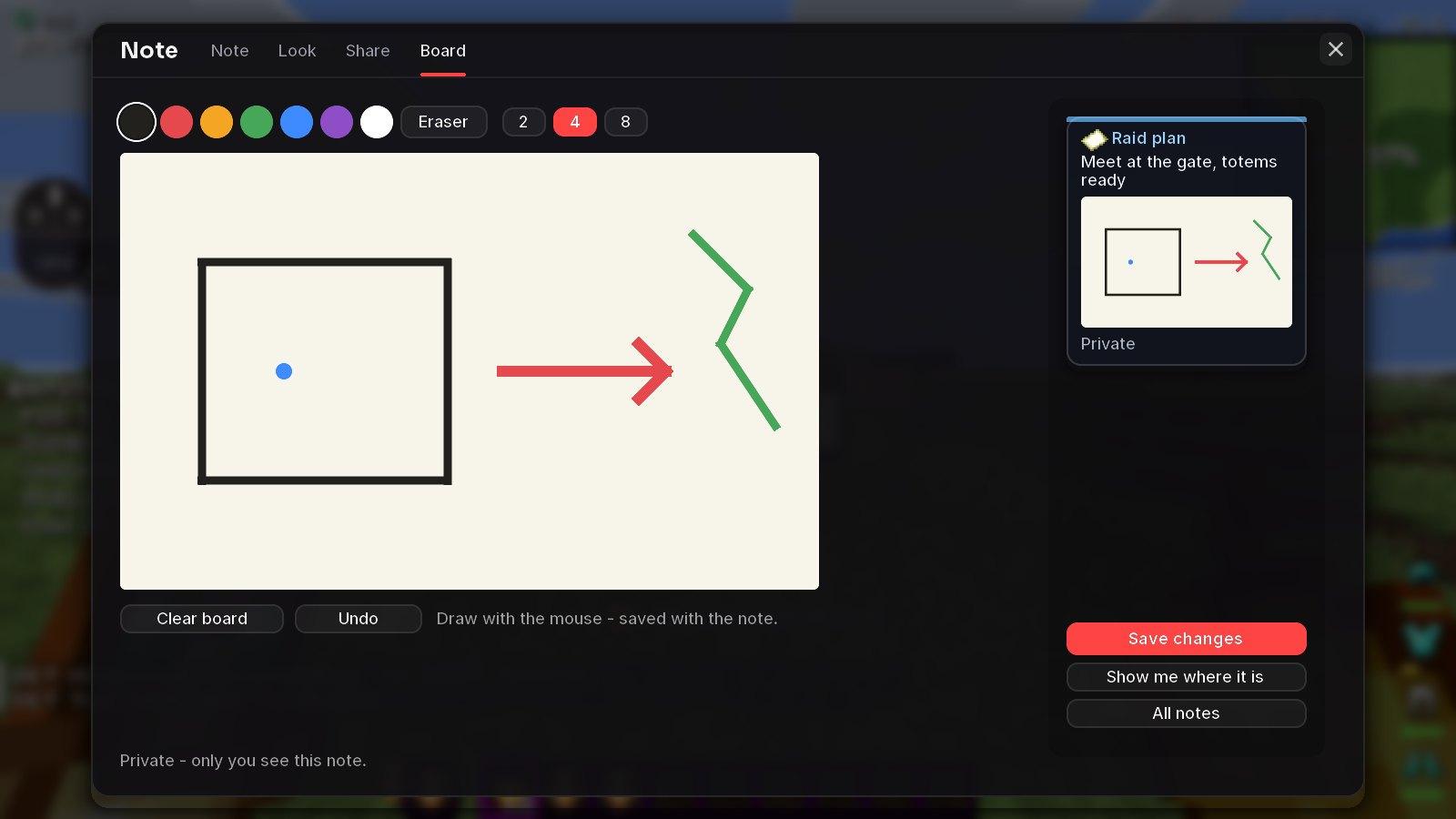
- Whiteboard notes - draw plans, maps and arrows right in the world. (Velo+)
- Draw together, live: share a whiteboard and let picked friends edit - you watch each other's strokes appear as they draw. Only the owner needs Velo+.
- Who may edit: only you, everyone it's shared with, or just the people you pick.
Storage Memory
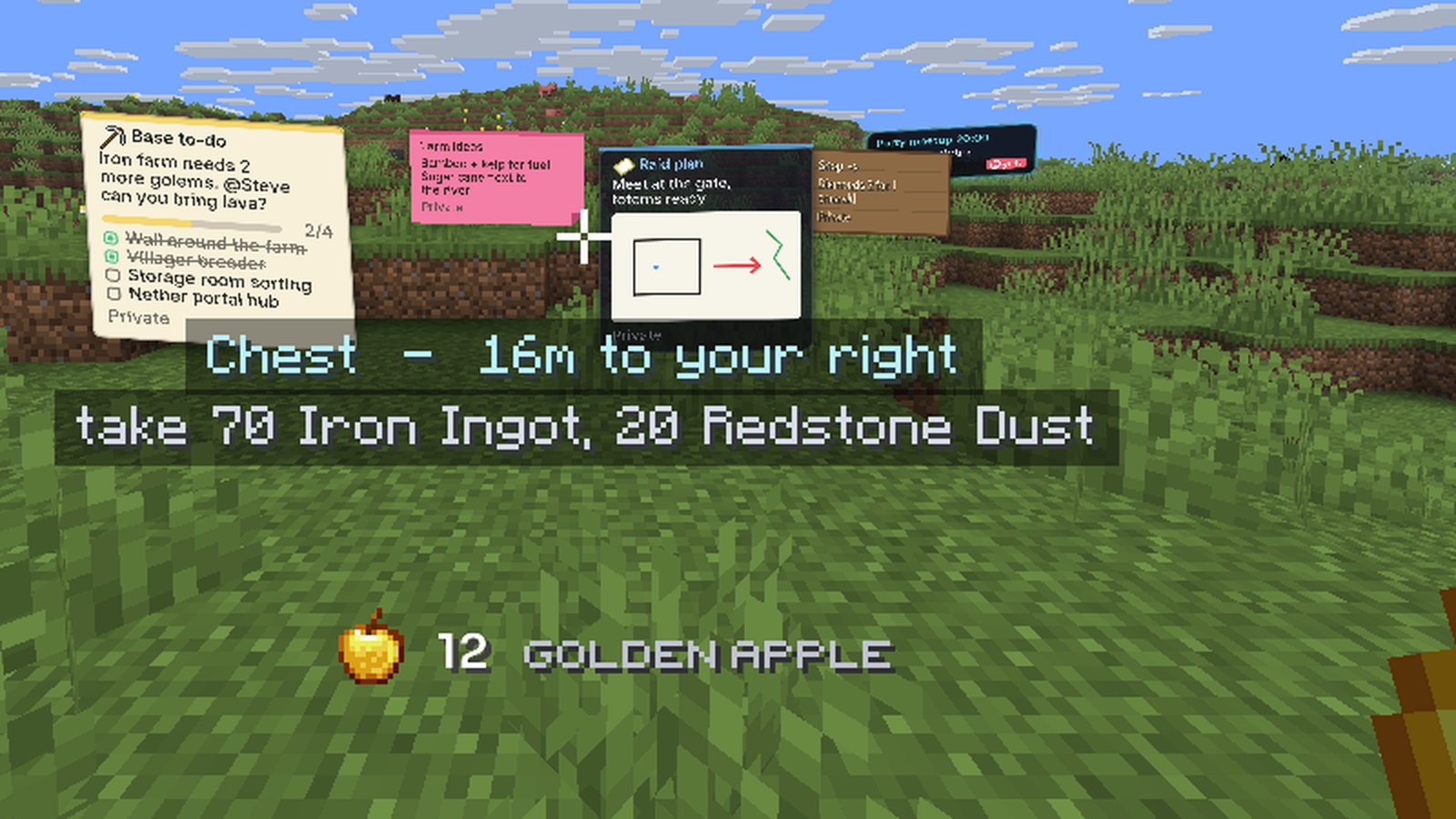
Press Y: Velo remembers what's in every chest, barrel and shulker you open - per server and world - plus villager trades and crafting stations. Search for any item, see where it is, and get walked there. Even items you don't have yet show their recipe and where the ingredients are.
The launcher fixes itself
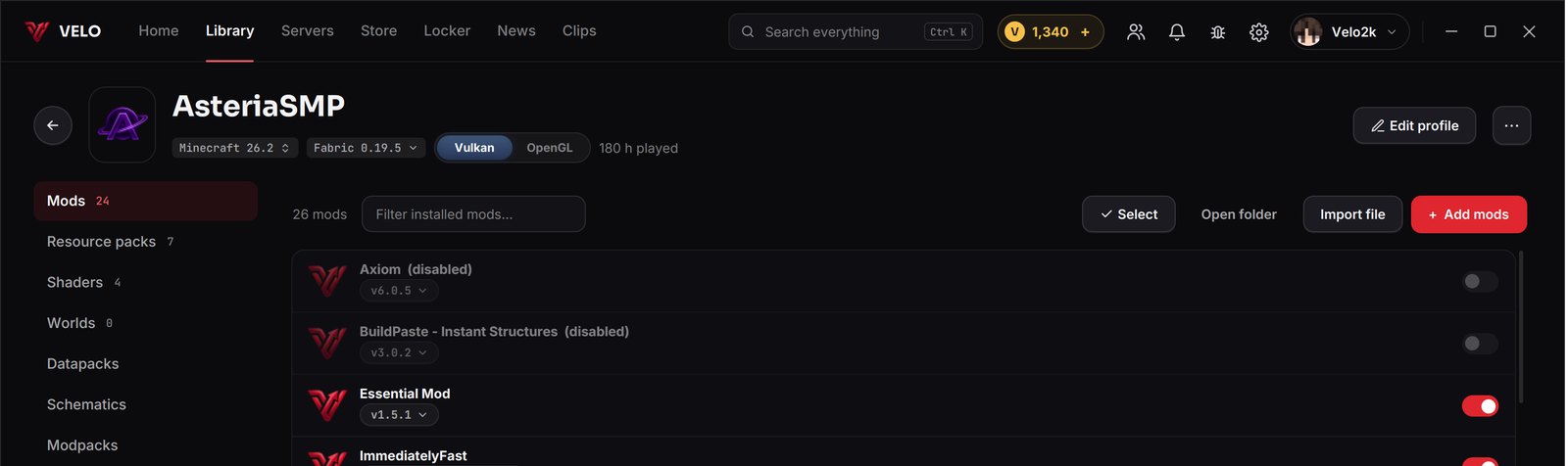
- Launcher Doctor: checks your mods before you press Play - missing dependencies, wrong versions, mods that clash - explains what's wrong and fixes it with one click. After a crash it reads the log, finds the culprit and offers the fix, then starts the game again.
- Fabric Loader picker: click Fabric in a profile to run another loader build (Velo marks the one it's tested with).
- Change version: move a whole profile from 26.2 to 26.3 (or back) - mods are swapped for the right versions, worlds are backed up first.
- Version dropdown on every mod and pack, with what's new in each update.
- Select several mods to turn them on, off or delete them at once.
- Vulkan or OpenGL per profile (26.2+).
- Share a profile as a code (VELO-...) - a friend pastes it and gets the same mods.
- Offline mode: no internet? Your profiles still start, and a strip tells you you're offline.
- Server mod hints: before you join a known server, Velo tells you if one of your mods isn't allowed there.
- Bug report from anywhere: Ctrl+Shift+B.
Discord status
Velo now shows Playing Velo Client on Discord with where you are - the menus, a world or the server - and how long you've been on. Servers with Velo Bridge can set their own status line.
For server owners: Velo Bridge
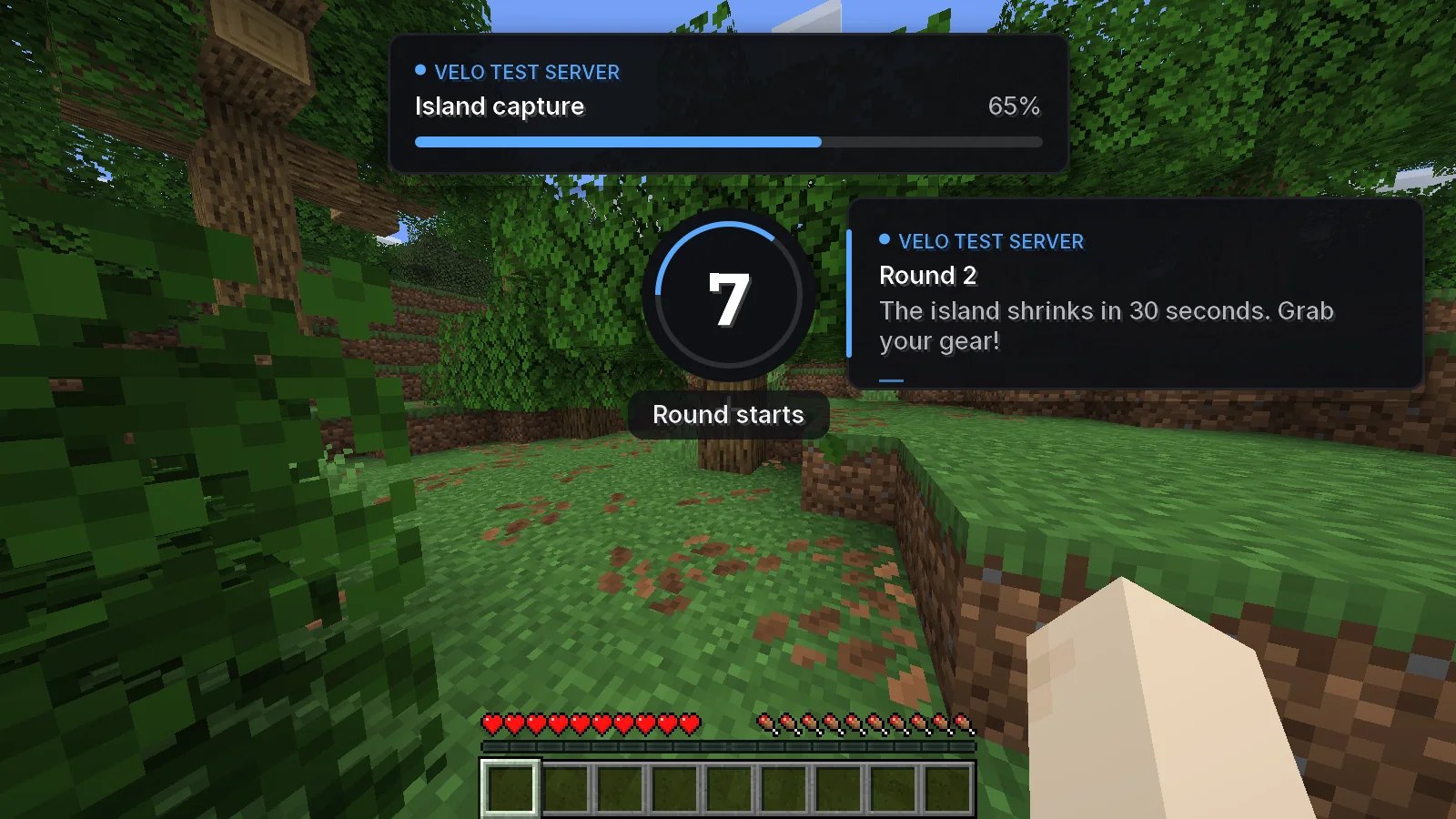
A free plugin for Paper, Purpur and Folia. Servers can show Velo players native toasts, countdowns, progress bars and waypoints, outline teammates through walls, set the Discord status, warm up transfers and resource packs, and switch off Velo modules that don't fit a mode. Everything a server shows carries its own name - and players without Velo never notice it's there.
New modules
- Glint Colorizer - give the enchantment glint any colour, or a rainbow.
- Item Physics - dropped items lie flat and tumble.
- Better Tab List - ping as a coloured number, player heads on every server, more rows.
- Chat Heads - the sender's face next to their messages.
- Block Break Progress - see how far a block is from breaking.
- Chunk Animator - new chunks glide into place instead of popping in (26.2+).
Fixes
- Some players' skins looked patchy in previews (title screen, Locker, launcher) - skins now load exactly like Minecraft loads them.
- A mod that kept adding its button could fill the title screen with copies - the menu now shows each button once.
- Mods that need a newer Fabric Loader (like Sodium Extra 0.9.6) or exactly Java 21 (like Natural Motion Blur) now just start - the launcher picks a loader and Java every mod accepts.
- Velo's performance mods follow your other mods: Nvidium gets the exact Sodium it needs instead of the newest one.
- New server UI look: Velo Bridge toasts, countdowns and waypoints use Velo's fonts and calmer animations.
Get the update: the launcher updates itself. New here? It's free.
Download Velo Client