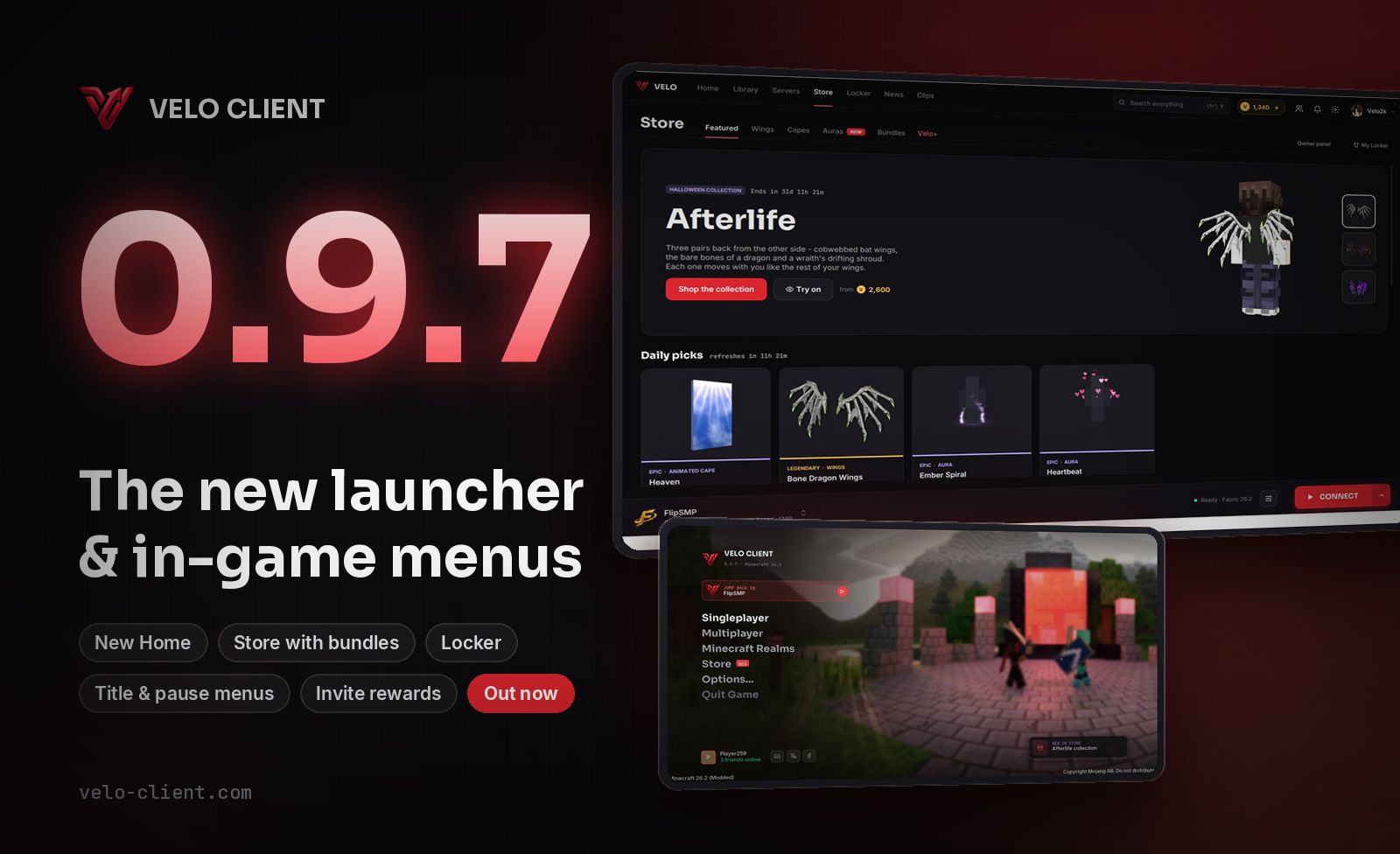
Velo Client 0.9.8: velo-client.com, Emoji Chat & more
Velo moves to its new home at velo-client.com with a brand new website and web Store you can try everything on in 3D. Plus Emoji Chat, Hide Foliage, Container Animations, Turbo Block Entities and smoother capes in the launcher. Please update now.
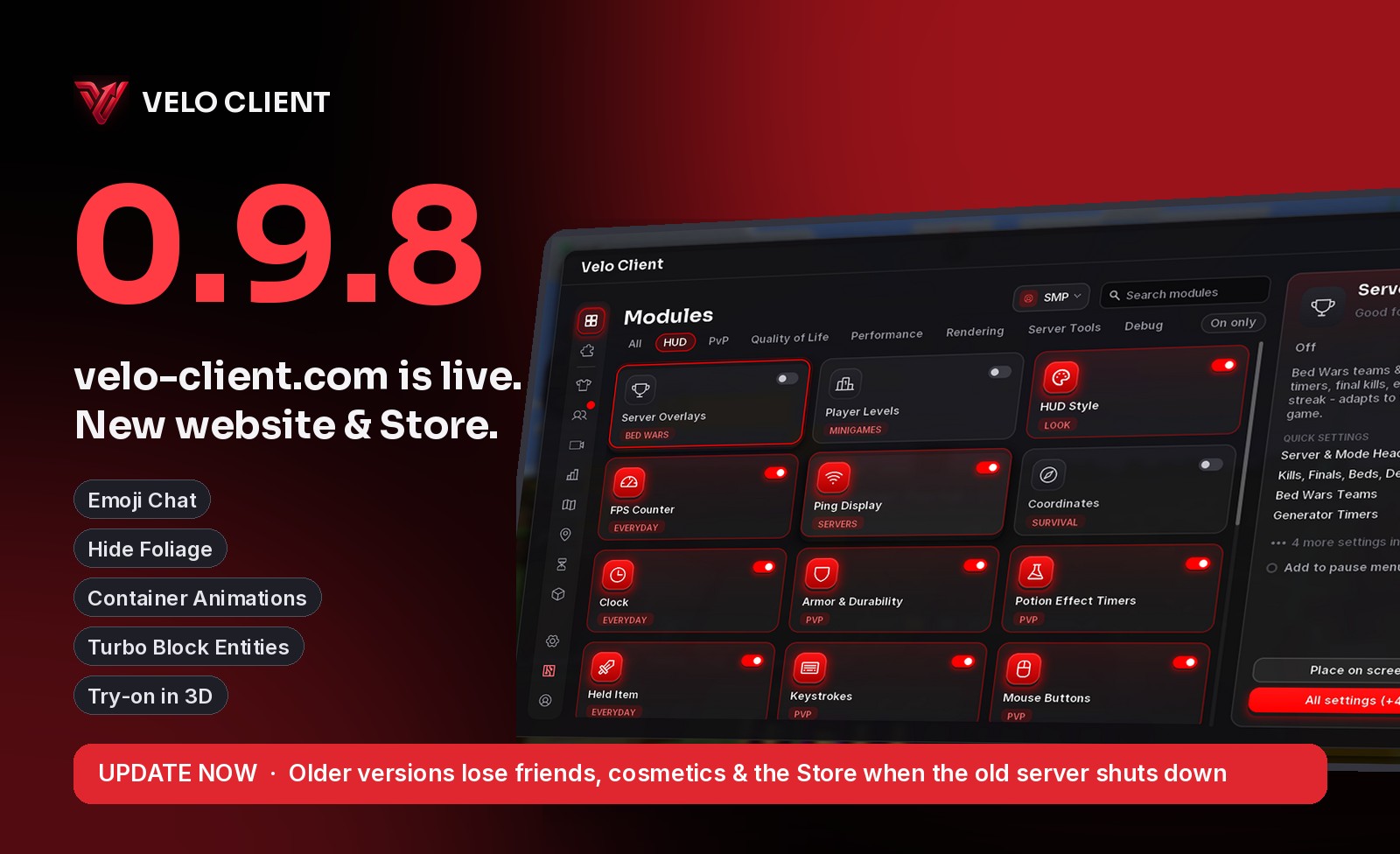
0.9.8 is mostly about our new home: velo-client.com. New servers, a new website and a Store you can use from any browser - plus a few things for the game itself.
A brand new website
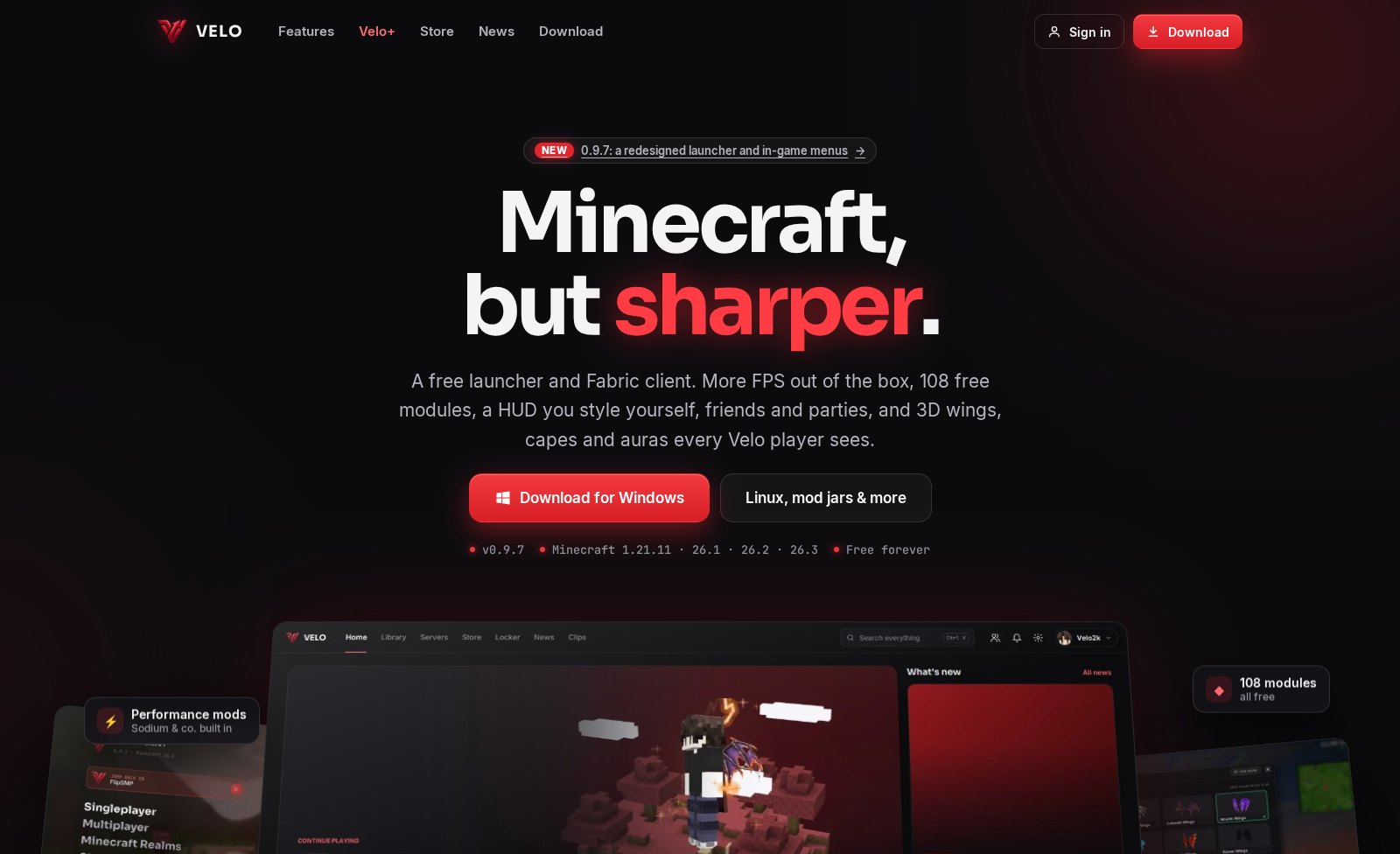
velo-client.com shows off everything Velo can do, has every download in one place, and all news and update notes. It's fast, has no trackers and no cookies, and our servers are in Germany.
The Store, in your browser
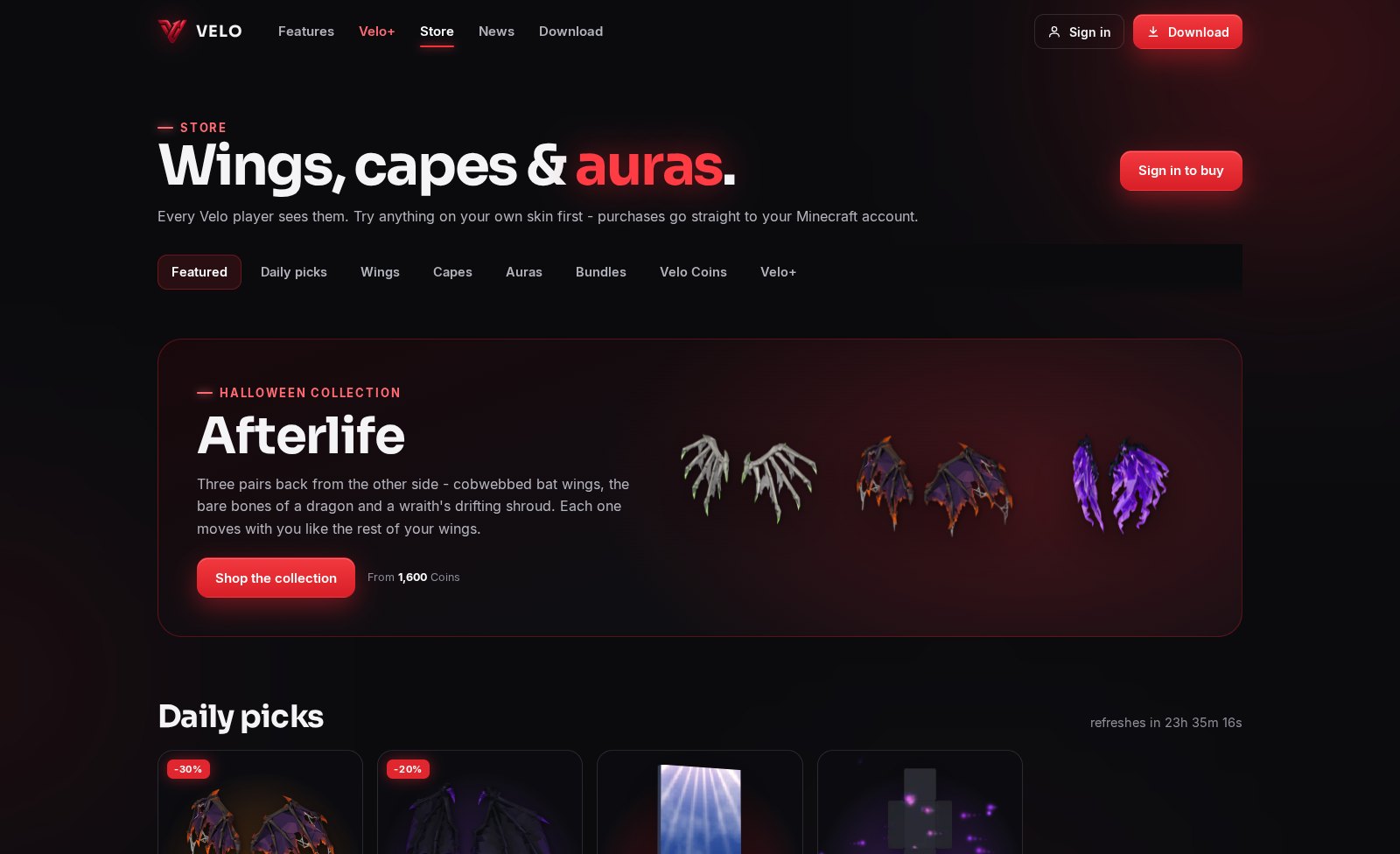
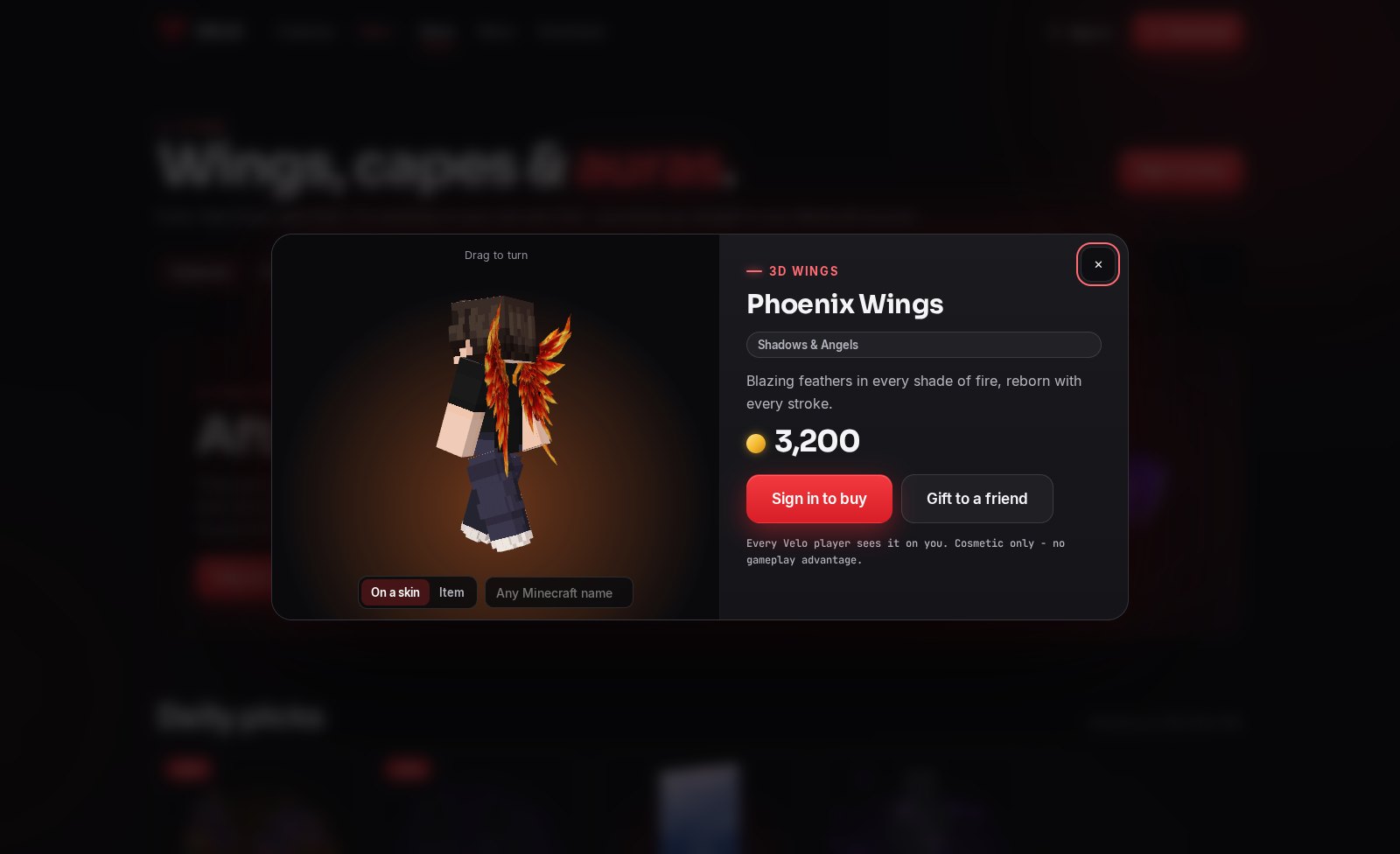
- Try it on in 3D - every pair of wings, cape and aura on your own skin, animated like in game. Turn the model by dragging it, or try things on any other player's skin.
- Real 3D skins - your skin's second layer is shown in 3D, pixel by pixel, just like in the launcher.
- Buy items and bundles with your Velo Coins, send gifts, and see your daily picks - everything goes straight to your Locker.
Sign in with one click
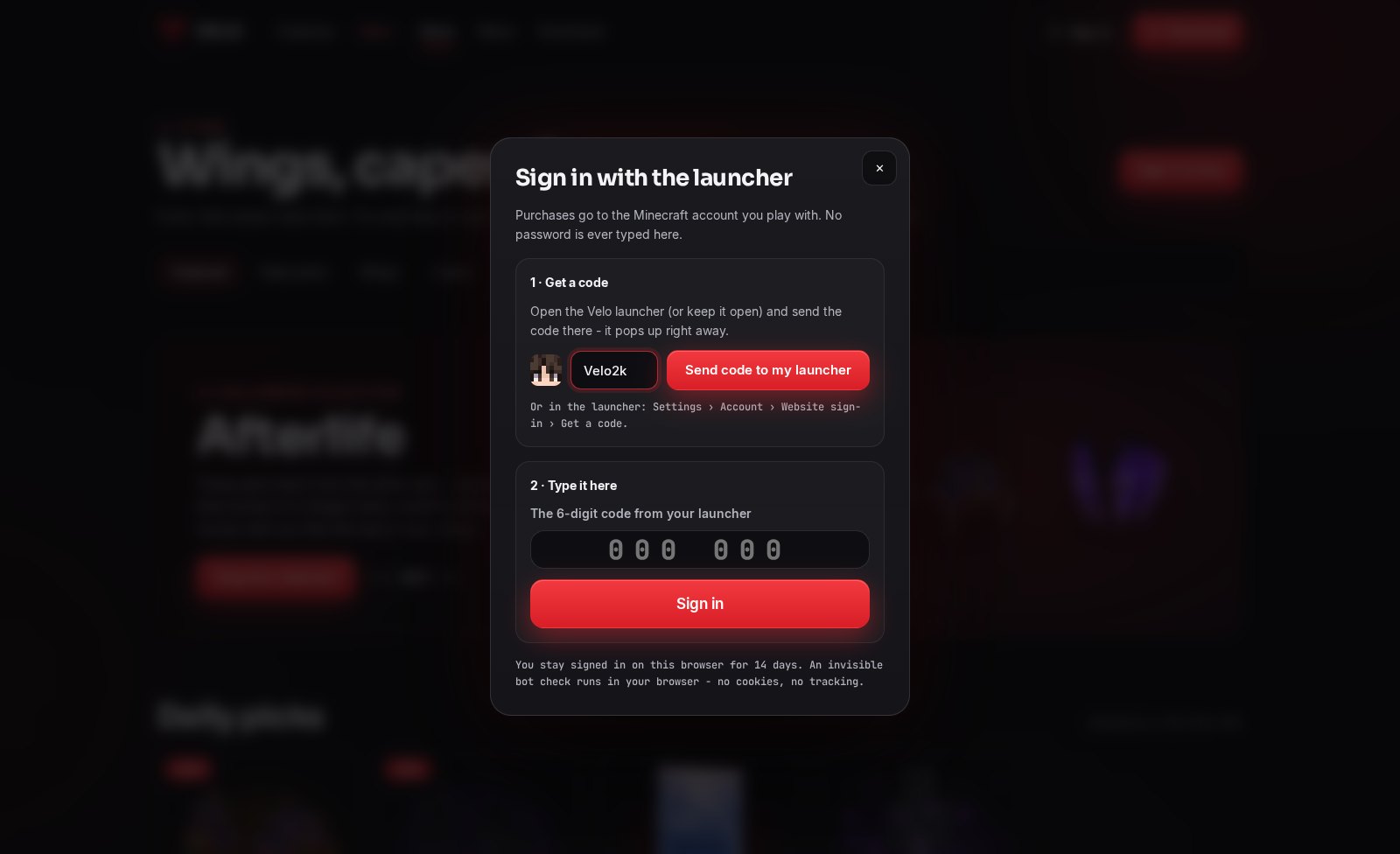
Type your Minecraft name on the website and press Send code to my launcher - the launcher pops up with a 6-digit code (even if you open it afterwards). Type it in and you're signed in for 14 days. No password ever goes to the website.
Emoji Chat
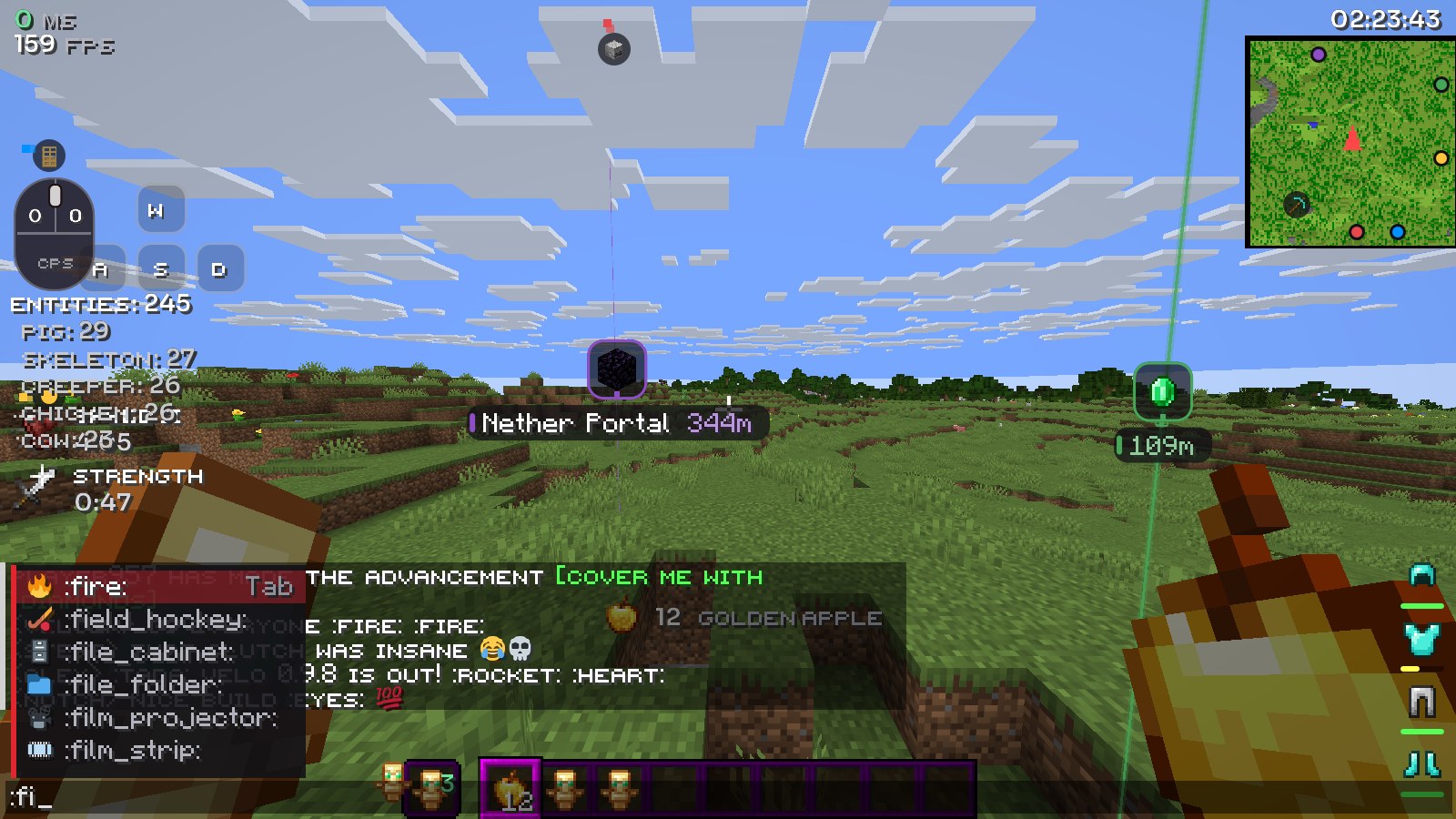
- Emoji show up as real colour pictures in chat, like on Discord.
- Type :fire:, :skull: or any of 1,400 shortcodes - they turn into real emoji when you send them, so players without Velo see them too.
- Start typing :sm and a list pops up - Tab puts the emoji in, Up/Down picks another.
- On by default - turn it off in the Velo menu under Quality of Life › Emoji Chat.
More for the game
- Hide Foliage - hides grass, ferns, dry grass, bushes, seagrass, nether sprouts and roots, leaf litter and petals. Clearer views in PvP and builds, and fewer polygons to draw. Every group has its own switch; flowers and kelp stay unless you hide them too.
- Container Animations - chests and inventories pop or slide in when you open them and ease out when you close them, and shift-clicked items fly to where they land. Optional, under Rendering.
- Turbo Block Entities - new slider in Performance Boost, next to Turbo Entities: chests, signs, banners and heads far away aren't drawn anymore. A big FPS boost on servers with lots of storage and signs.
Launcher
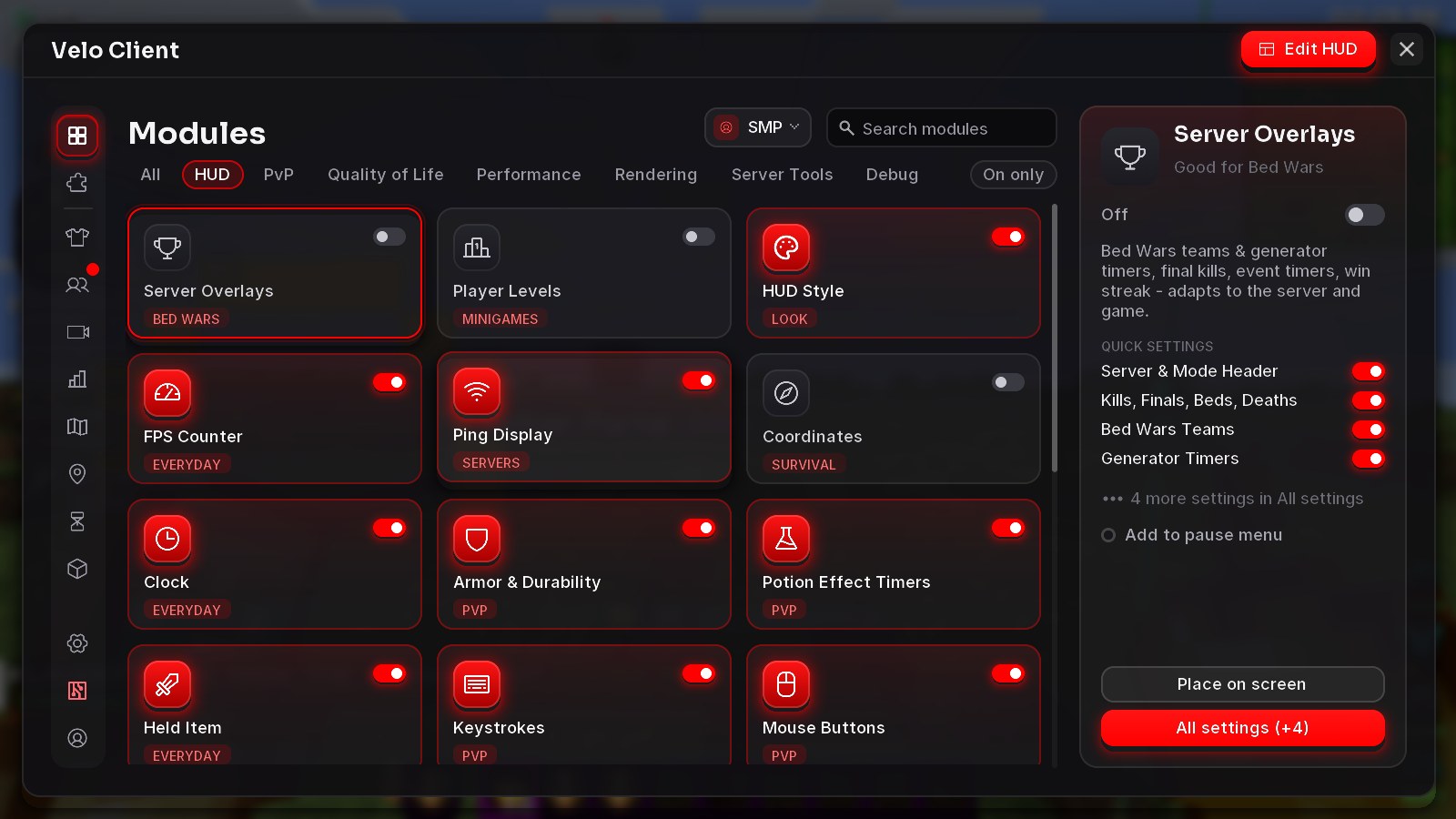
- Animated capes in the Store and Locker no longer slow the launcher down - their previews use a fraction of the memory they did.
- The launcher, the game and the website all talk to the new servers at velo-client.com.
Get the update: the launcher updates itself. New here? It's free.
Download Velo Client