
Velo Client 0.9.91: World Hosting fixed
Friends can join your hosted world now, no more mystery mods in the mod check, Name Styles show in every tab list and partner servers get sharp HD icons. Hosting and joining worlds need 0.9.91 - update now.
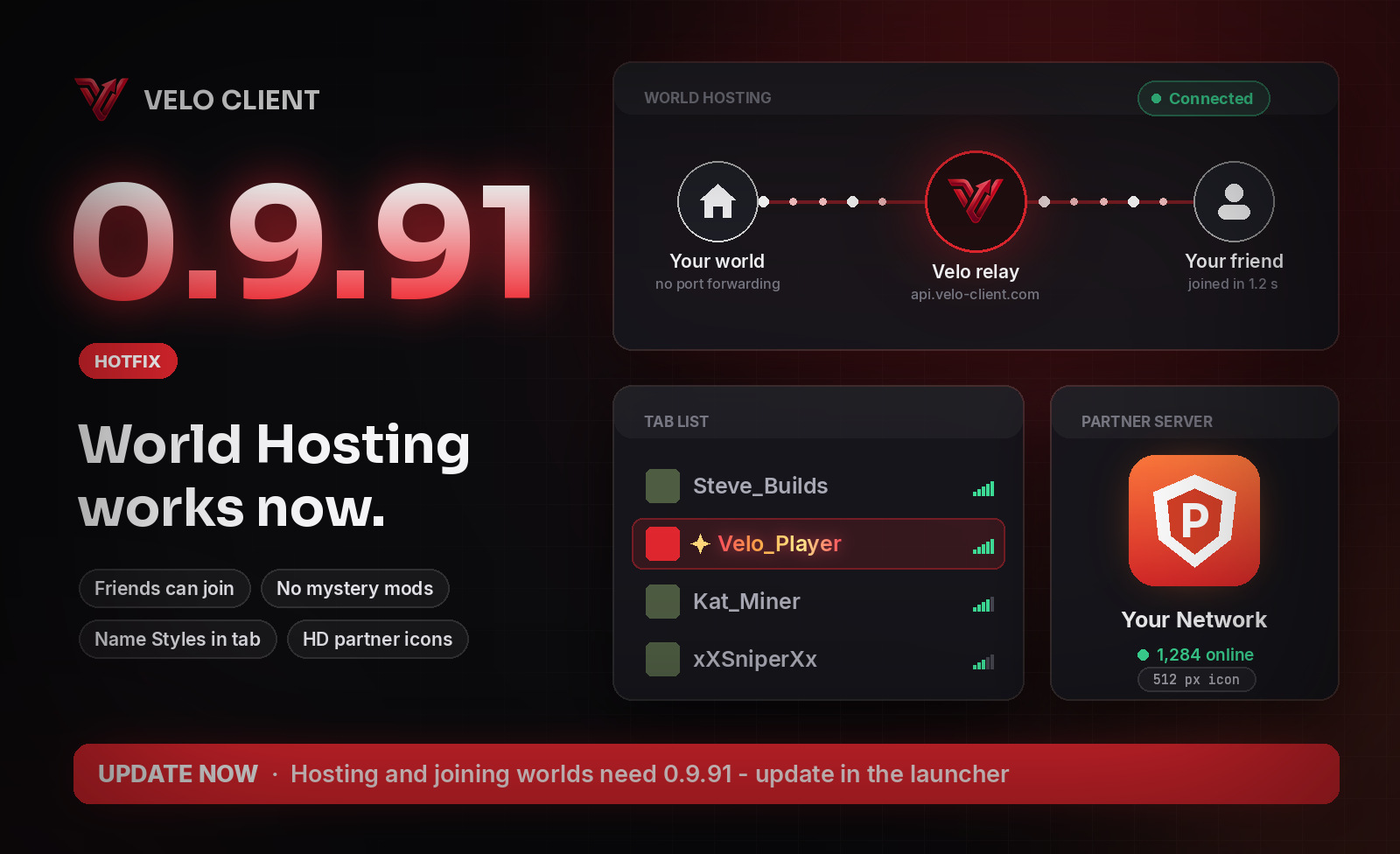
World Hosting works now
- Fixed friends getting "Failed to connect" when they joined your world. If your world was already open to LAN - or open through another mod's hosting - Velo sent your friends to a port nothing was listening on.
- Velo now checks the connection to the host's world before Minecraft connects. If something is wrong you see what it is (the host's game didn't answer, the world is full, the invite ran out...) instead of a plain "Failed to connect".
- The host gets a message when someone can't get in, saying why.
No more mystery mods
The mod check before joining listed things like annotations or kotlin-stdlib - libraries other mods bring along, which aren't on Modrinth and which nobody has to install. Now it only lists mods that add something to the world (new blocks, items, mobs...). Performance mods like Lithium, server-side tools like WorldEdit and anything else you don't need to join are left out.
Name Styles in every tab list
Some mods take over how names in the tab list are made, and then Name Styles didn't show there. Velo now styles the names in the tab list as they are drawn, so they show next to those mods too.
HD partner server icons
Partner servers can have their own icon up to 512×512 instead of the blurry 64×64 server list icon. The game, the launcher and the website each get a sharp copy at the size they show it.
Get the update: the launcher updates itself. New here? It's free.
Download Velo Client