
Velo Client 1.2.2: 1000+ FPS with your cosmetics on, a real performance dashboard, the OG badge
Cosmetics are now drawn on your graphics card, Performance Boost became a dashboard with live numbers, Cosmetics Quality keeps crowded lobbies fast, the launcher runs on macOS - and everyone from the first two weeks gets the gold OG badge.
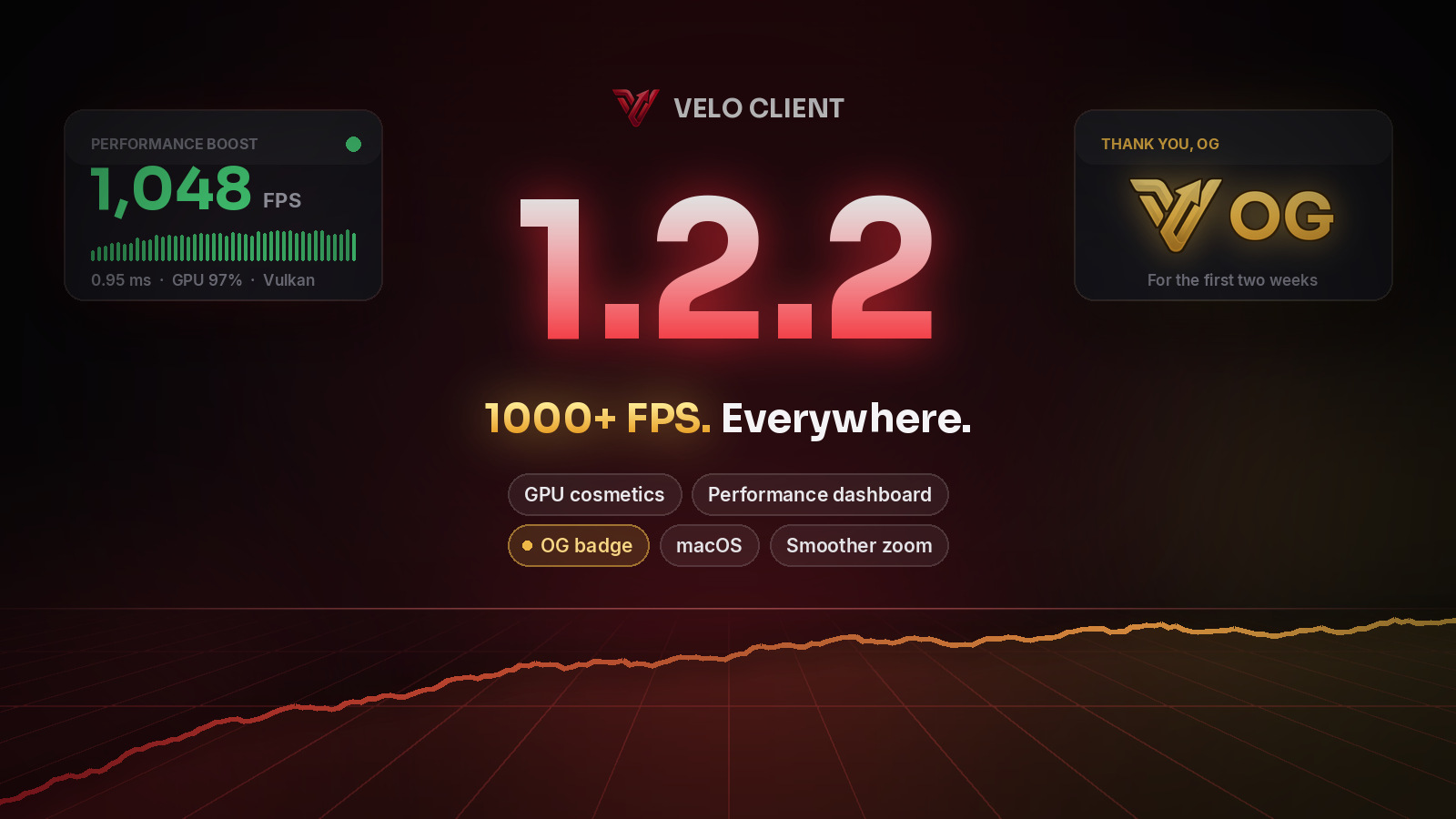
Velo Client 1.2.2 is the fastest Velo yet. Wings, bodywear and glow used to cost you hundreds of frames in third person - now they barely cost any. On our test PC: over 1000 FPS in F5 with a full outfit on.
Cosmetics on the GPU
Until now every wing and every piece of bodywear was re-built point by point on your CPU, every frame. On 26.2 and 26.3 they are now uploaded to your graphics card once, and only their position is sent each frame. Wings, bodywear and the wing glow all take this path.
- Third person with a full outfit: 760 → 1120 FPS on 26.2 (without cosmetics: 1440).
- Bodywear keeps its full detail - chains, hats and details look exactly as designed.
- Can be switched off under Performance Boost → Cosmetics if a driver ever misbehaves.
Performance Boost, redesigned
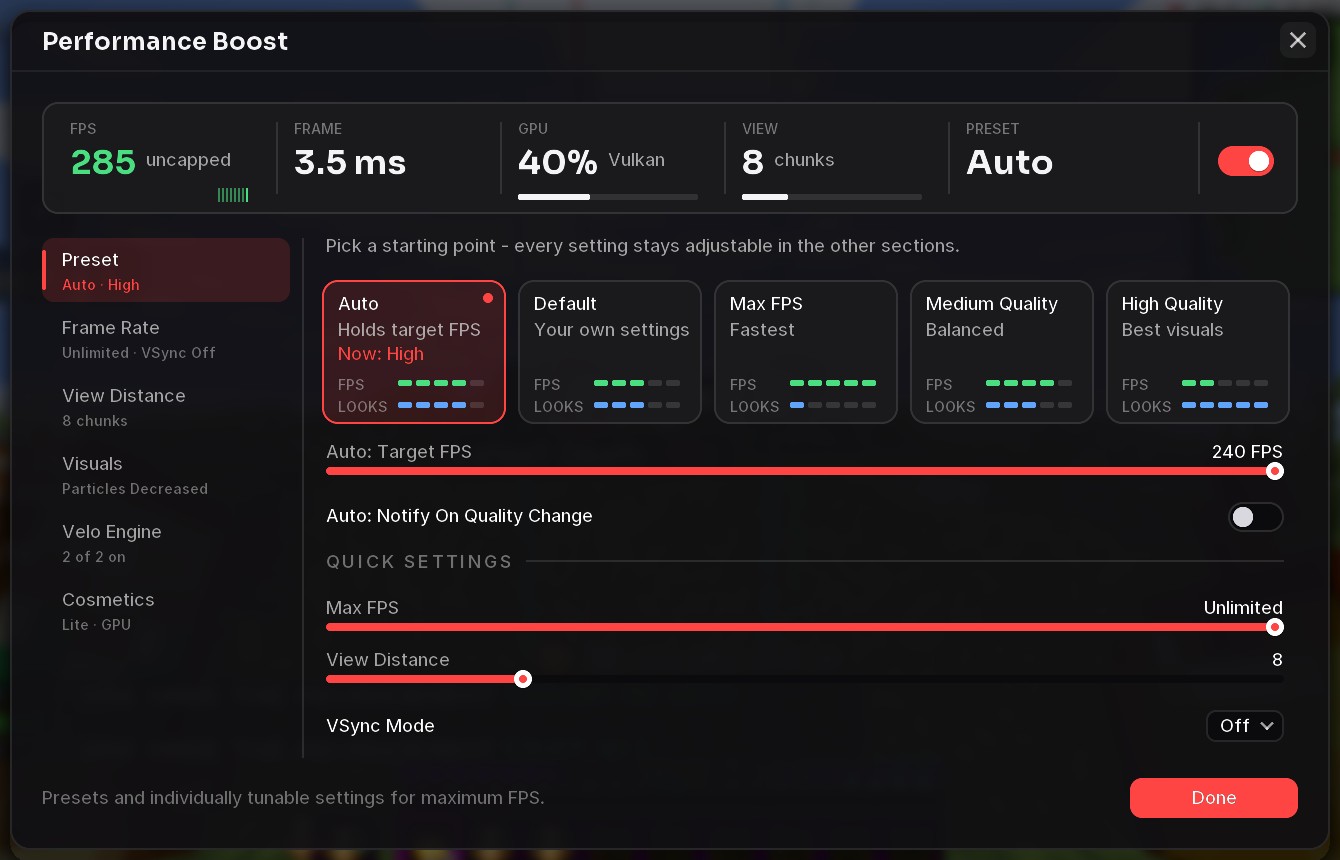
Performance Boost now opens as a big dashboard: live numbers at the top, the presets as cards with how fast and how good each one looks, and every setting sorted into sections - each showing its current state, so you see everything without digging. When your FPS drops below target, it tells you what helps most.
Cosmetics Quality
A lobby full of wings and auras no longer tanks your FPS. On Auto (the default) your own cosmetics and the nearest players' stay in full detail, everyone else gets a lighter version - and when FPS drops below 60, Auto lightens even more. Prefer everything in full, or everything light? Pick Full or Lite.
The OG badge

Everyone who got Velo in its first two weeks (until 14 November) can show the gold OG badge instead of the normal one. It's a thank-you for being here from the start. It's off until you switch it on - the launcher asks you once, and you can switch any time on the Account page or in the game under Velo Network.
New
- macOS: the launcher now runs on Apple Silicon and Intel Macs.
- Zoom: glides in and out (speed adjustable), the camera follows your mouse smoothly and stops exactly where you aim - no drifting, no spinning.
- LuckySMP: play 10 minutes on luckysmp.net with Velo and get the LuckySMP cloak and the Lucky aura for free.
- C2ME as an experimental module for faster chunk loading.
- Distant Horizons can be switched on per profile.
- A smaller, tidier default HUD.
Fixed
- Store and Locker open instantly - in the game, the launcher and on the website.
- Zoom no longer switches on vanilla's cinematic camera after you let go.
- The pause menu no longer flashes vanilla buttons while you hover ours.
- Opening the recipe book with Centered Inventory no longer overlaps your inventory.
- The tab list no longer crashes on servers with scores.
- Fixes from your crash reports: Launcher Doctor recognises more problems, and importing from other clients is more reliable.
Get the update: the launcher updates itself. New here? It's free.
Download Velo ClientMore news
All news →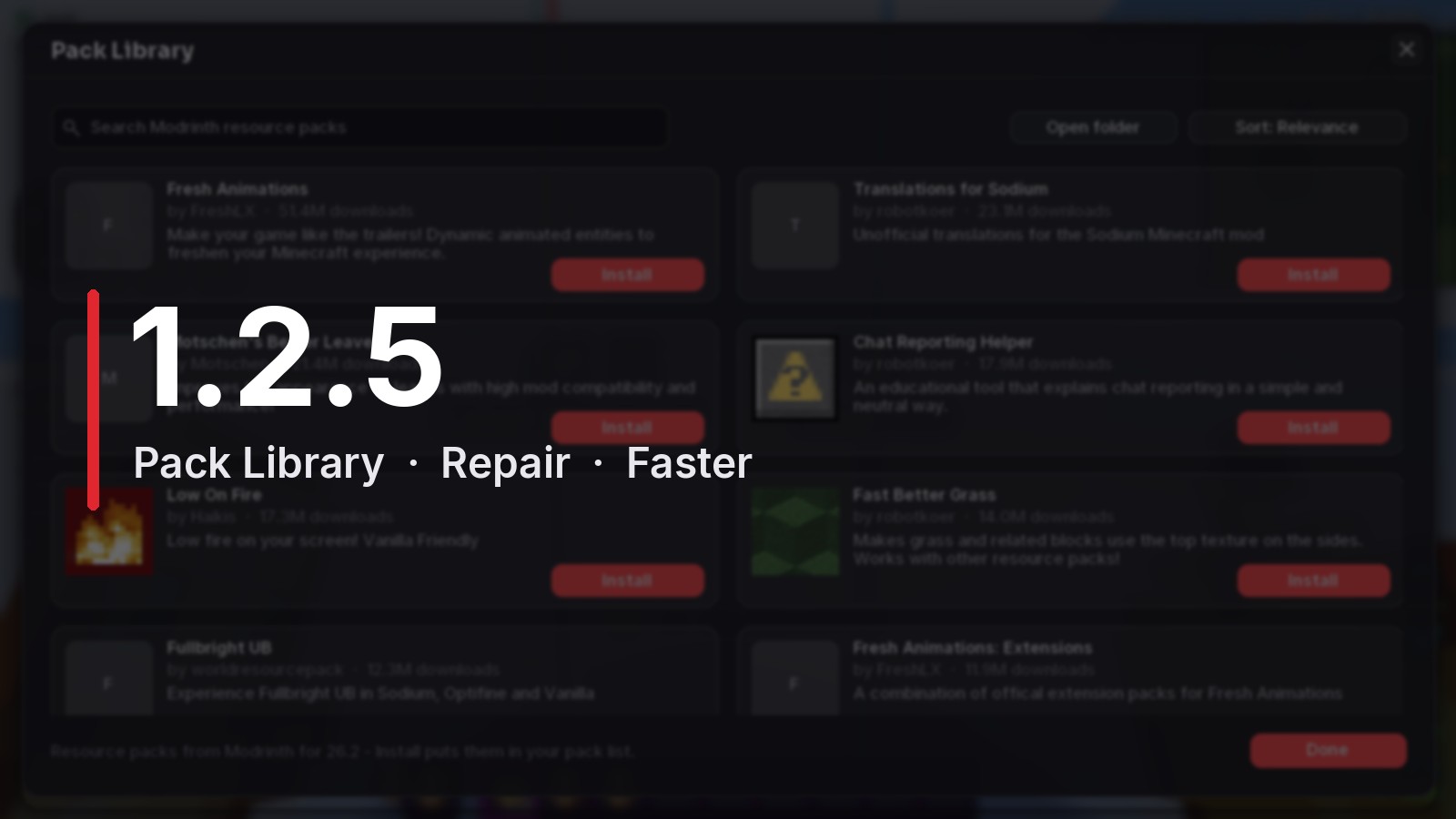 Velo Client 1.2.5: Pack Library, one-click Repair, and a launcher that updates itself properlyBrowse and install resource packs right in the game, fix a broken install with one button, import from OneClient with your worlds - plus +17% FPS on Vulkan and an updater that no longer gives up.
 Velo Client 1.2: 3x faster cosmetics, more versions, a smoother zoomWings, bodywear and pets cost a third of the frame time they used to, five more performance mods come built in, Velo runs on 1.21.10, 1.21.1 and 1.8.9 - plus Color Grading, Item Position per item, Hold Up Items and a pile of fixes.