
Velo Client 1.2.5: Pack Library, one-click Repair, and a launcher that updates itself properly
Browse and install resource packs right in the game, fix a broken install with one button, import from OneClient with your worlds - plus +17% FPS on Vulkan and an updater that no longer gives up.
Velo Client 1.2.5 is about the things that should just work: getting packs, fixing a broken install, moving over from another client and updating - plus another big FPS step on Vulkan.
Pack Library
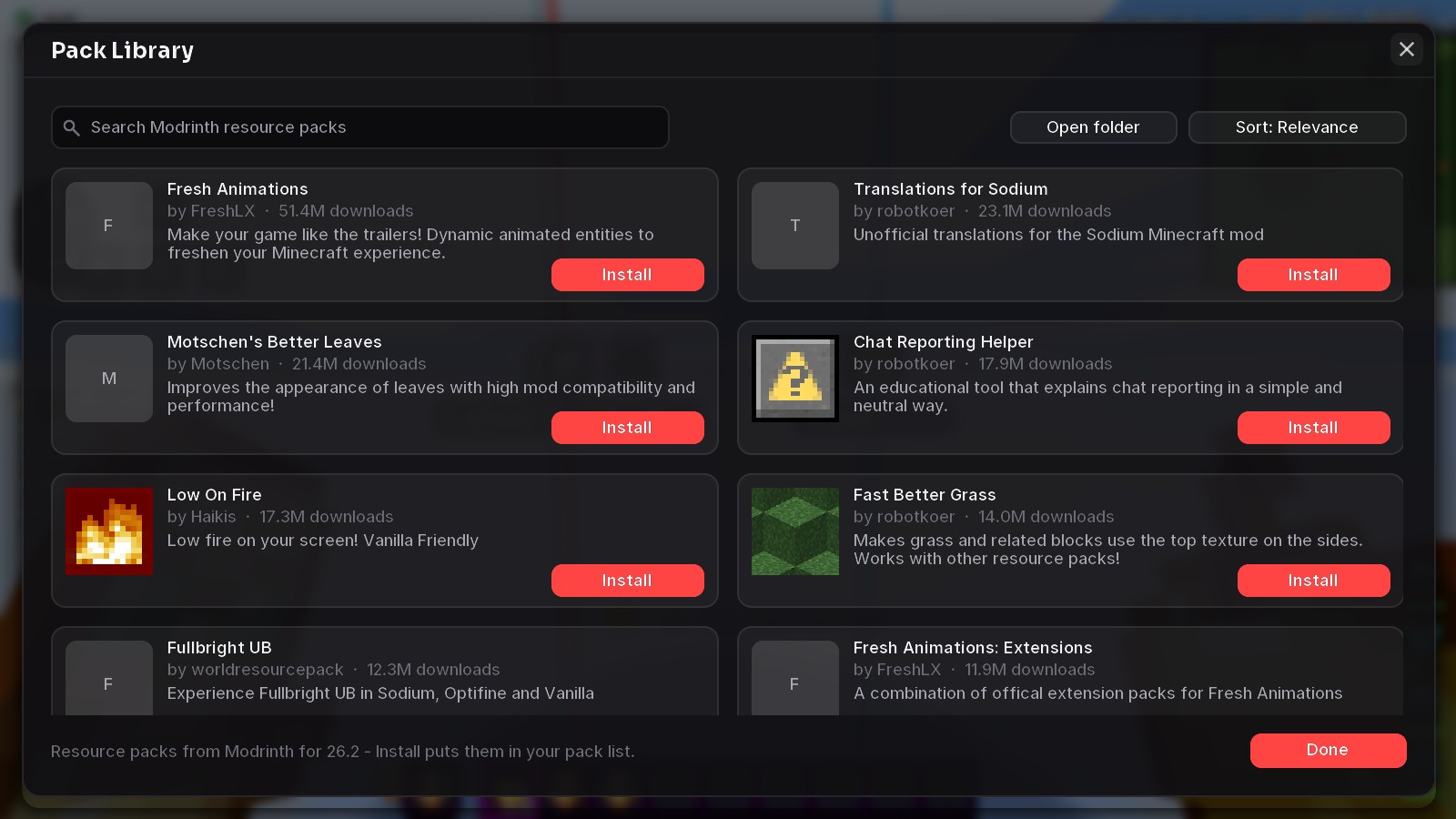
- Search and sort by relevance, downloads or newest
- Install puts the pack straight into your list - it shows up under Available right away
- Packs made for another version are installed too (textures carry over)
Repair Velo
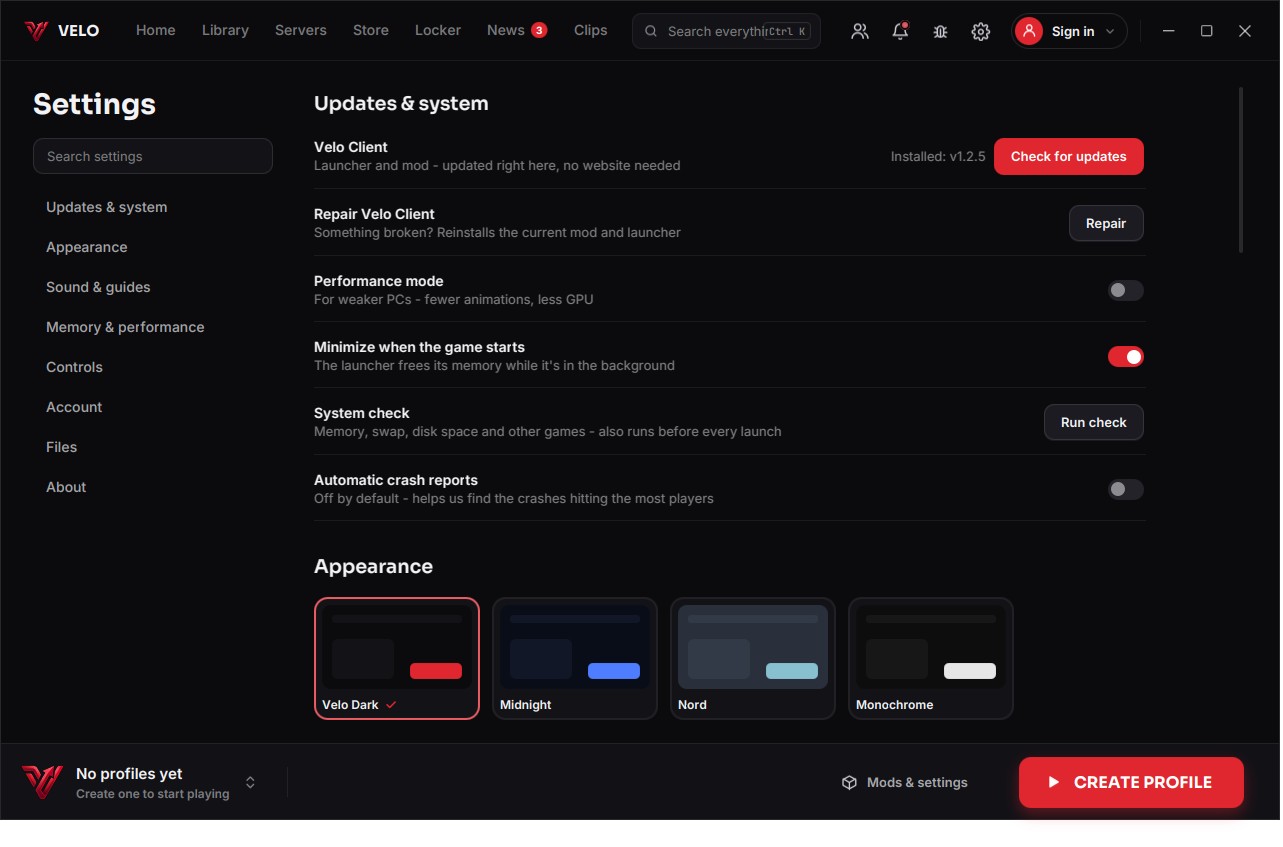
Something broken and no idea why? Repair puts the current Velo mod back into every profile, clears Fabric's cache and downloads the current build again. Repair everything also reinstalls the launcher. Your worlds, settings and other mods stay exactly as they are.
Faster on Vulkan
- +17% FPS in our benchmark scene on 26.2 (2690 → 3160 FPS), 1% lows up too
- Minecraft drew two invisible full-screen passes every frame - the entity-outline layer with nothing glowing and the vignette in daylight. Velo skips them when they can't change a pixel.
Moving to Velo
- Import from OneClient - mods, worlds, settings, servers and configs
- Imports bring your worlds by default (Lunar imports found none before)
- CurseForge folders on other drives are found, mod and pack pictures appear right after importing
A launcher that updates properly
- Broken downloads continue where they stopped and retry by themselves
- On Windows the update installs without clicking through the installer and the launcher starts again on its own
- Live progress with speed and time left - and a log for every step (updates/update.log)
- The window fits small and scaled screens: no more buttons under the taskbar
Fixed
- Black/white screen on 1.21.x after updating to 1.2.2
- Flickering hotbar with VulkanMod
- Crash with old Lunar library copies (the Doctor turns them off)
- Removing a mod failed silently - now it says why (usually the game is still running)
- Mod search results could mix when typing fast
Get the update: the launcher updates itself. New here? It's free.
Download Velo ClientMore news
All news →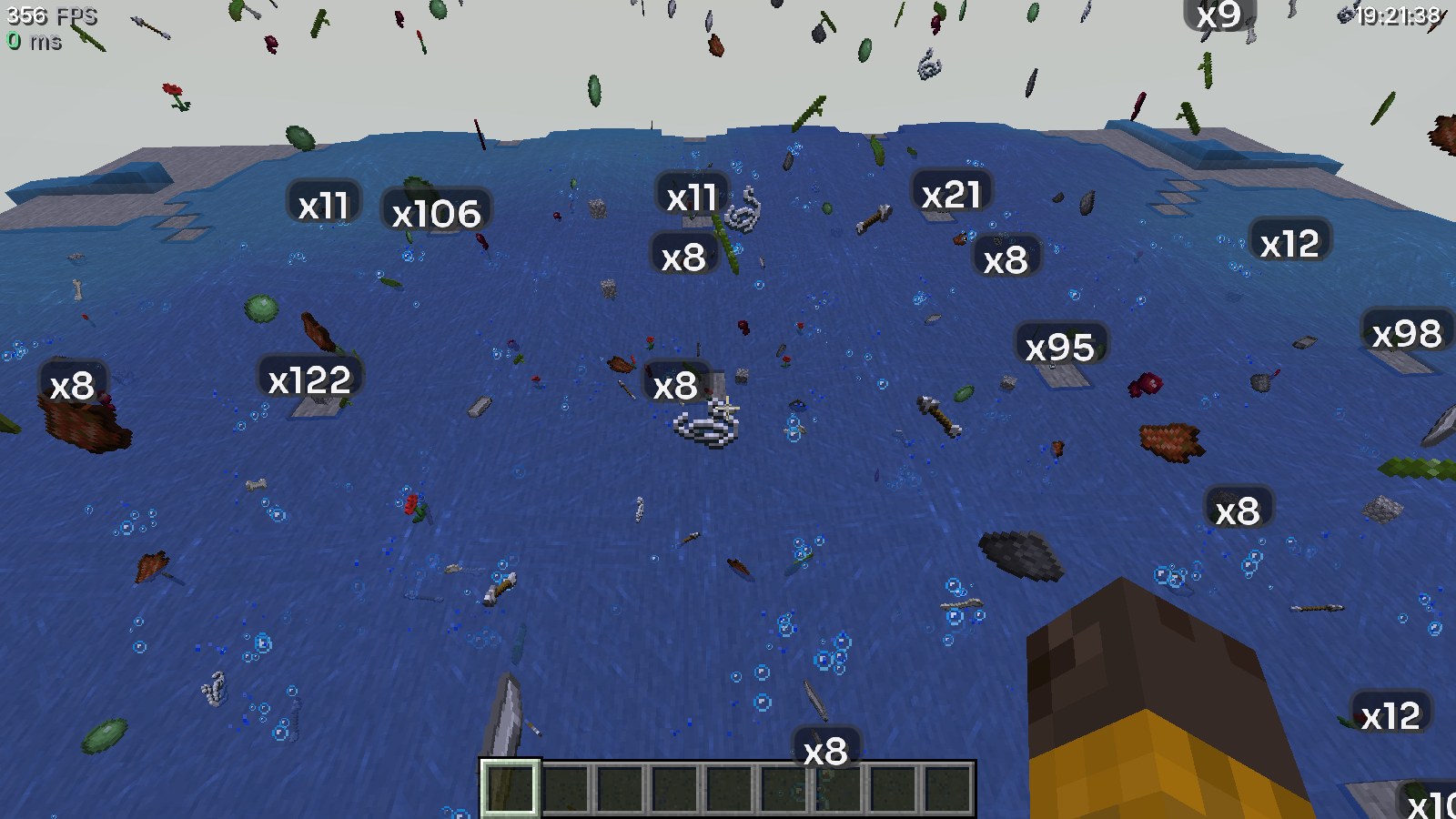 Velo Client 1.2.6: item farms without the lagThousands of dropped items no longer tank your FPS: Velo groups them and shows how many there are. Plus a safer main menu and fixes for hangs and memory errors.
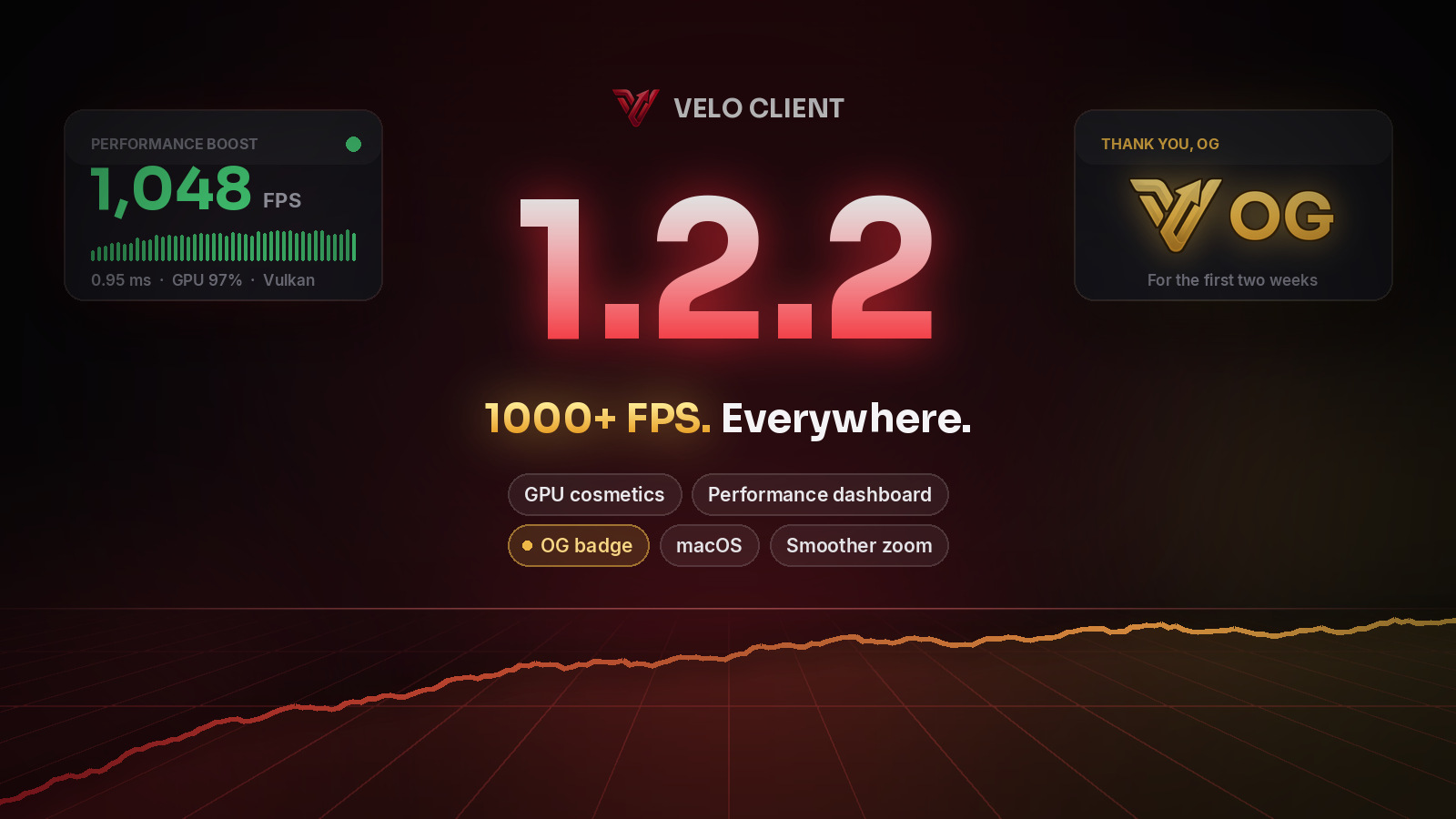 Velo Client 1.2.2: 1000+ FPS with your cosmetics on, a real performance dashboard, the OG badgeCosmetics are now drawn on your graphics card, Performance Boost became a dashboard with live numbers, Cosmetics Quality keeps crowded lobbies fast, the launcher runs on macOS - and everyone from the first two weeks gets the gold OG badge.