
Velo Client 1.2.6: item farms without the lag
Thousands of dropped items no longer tank your FPS: Velo groups them and shows how many there are. Plus a safer main menu and fixes for hangs and memory errors.
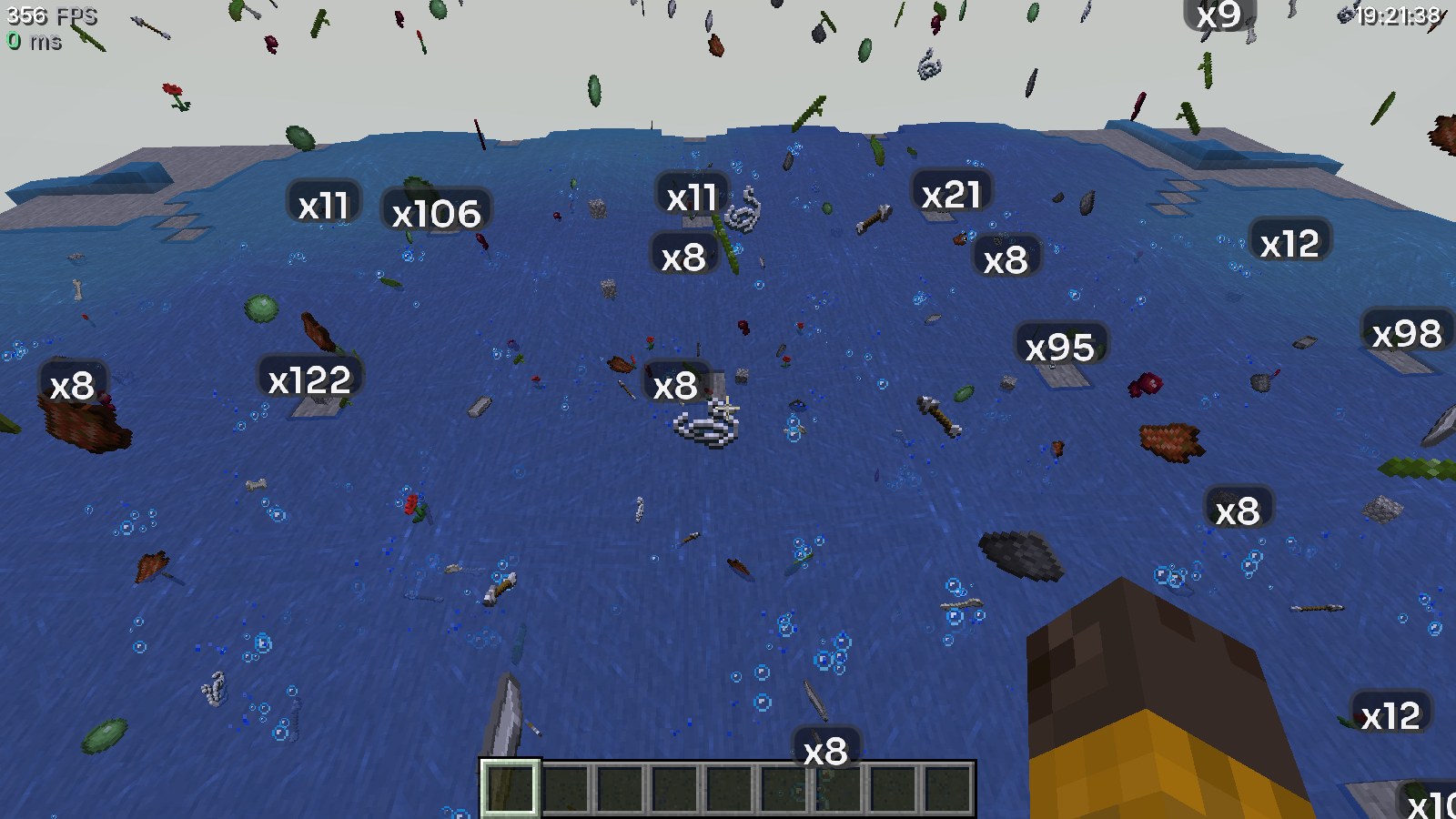
Velo Client 1.2.6 goes after the biggest FPS killer on farm servers: piles of dropped items. Also in it: a main menu that can't break any more, and fixes for Windows hangs and memory errors.
Item farms in Anti Farm Lag
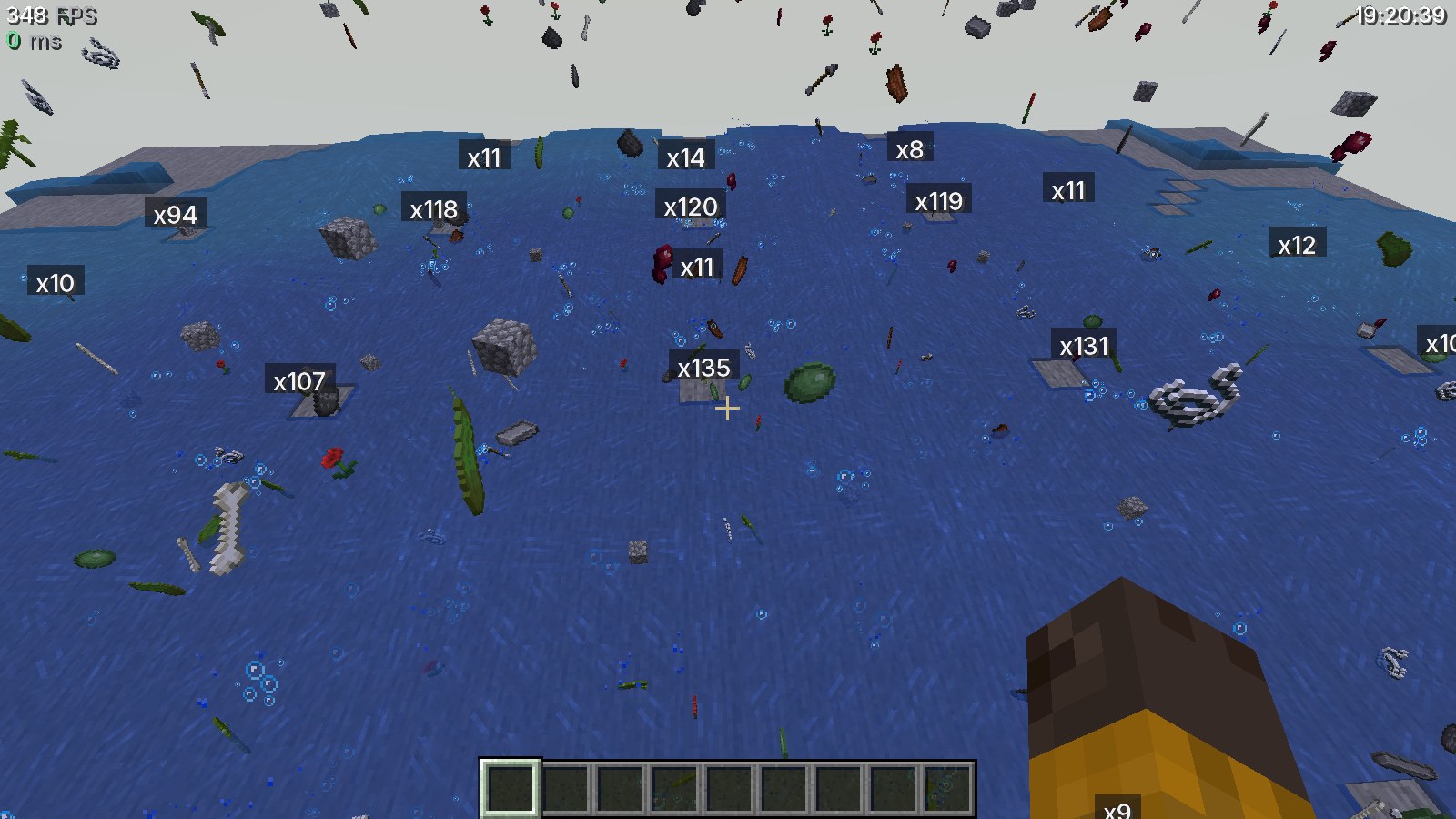
- When lots of items are around, Velo switches to item farm mode: items close to you stay fully detailed, further away they are grouped and drawn once
- A count label (x37) shows how many items each group holds
- Max Drawn Items (default 1000) caps how many are drawn at all
- Far-away items also update less often on your PC
- In our test with ~3000 items: 97 → 408 FPS, 1% lows 42 → 110
Labels your way
In Anti Farm Lag you pick the label font (or follow HUD Style), the background (None, Soft, Glass, Solid), the size (50-200%) and from how many items a group gets a label. Or turn labels off.
Faster HUD
- The whole HUD is reused when nothing changed
- Velo tests by itself whether Gnetum's HUD caching actually helps on your PC and turns it off if it doesn't
- Entity visibility checks are cached (Vulkan)
Fixed
- Black or broken main menu: if the Velo title screen or panorama fails (GPU drivers, other mods), Minecraft's own menu shows instead
- Game hanging on Windows with 1.21.x: Ixeris is no longer installed there, and the Doctor offers to turn it off
- "Could not reserve enough space" and invalid memory settings: the Doctor explains it and sets fitting RAM
Get the update: the launcher updates itself. New here? It's free.
Download Velo ClientMore news
All news → Velo Client 1.3: Velo RewindRecord in 3D, fly through it, edit it on a timeline and export it as a video with sound. Plus an account switcher, new modules and AI access.
 Velo Client 1.2.5: Pack Library, one-click Repair, and a launcher that updates itself properlyBrowse and install resource packs right in the game, fix a broken install with one button, import from OneClient with your worlds - plus +17% FPS on Vulkan and an updater that no longer gives up.